How to Block Spam Calls on Samsung Galaxy A57
Samsung hides spam blocking one level deeper than Google does, and names it differently: Block spam and scam calls, inside Block numbers. Here is the exact path on the Galaxy A57.
✅ Tested on
- DeviceSamsung Galaxy A57
- SystemAndroid 16 · One UI
- AppSamsung Phone (pre-installed)
- Also works onOther Galaxy phones with the same One UI version
- Last verifiedOctober 27, 2026
Every screenshot below is taken from the actual recording on this device — no stock images.
Coming from a Pixel? There is no “Spam and Call Screen” menu on Samsung. The equivalent switches live under Block numbers and Caller ID and spam protection.
Steps
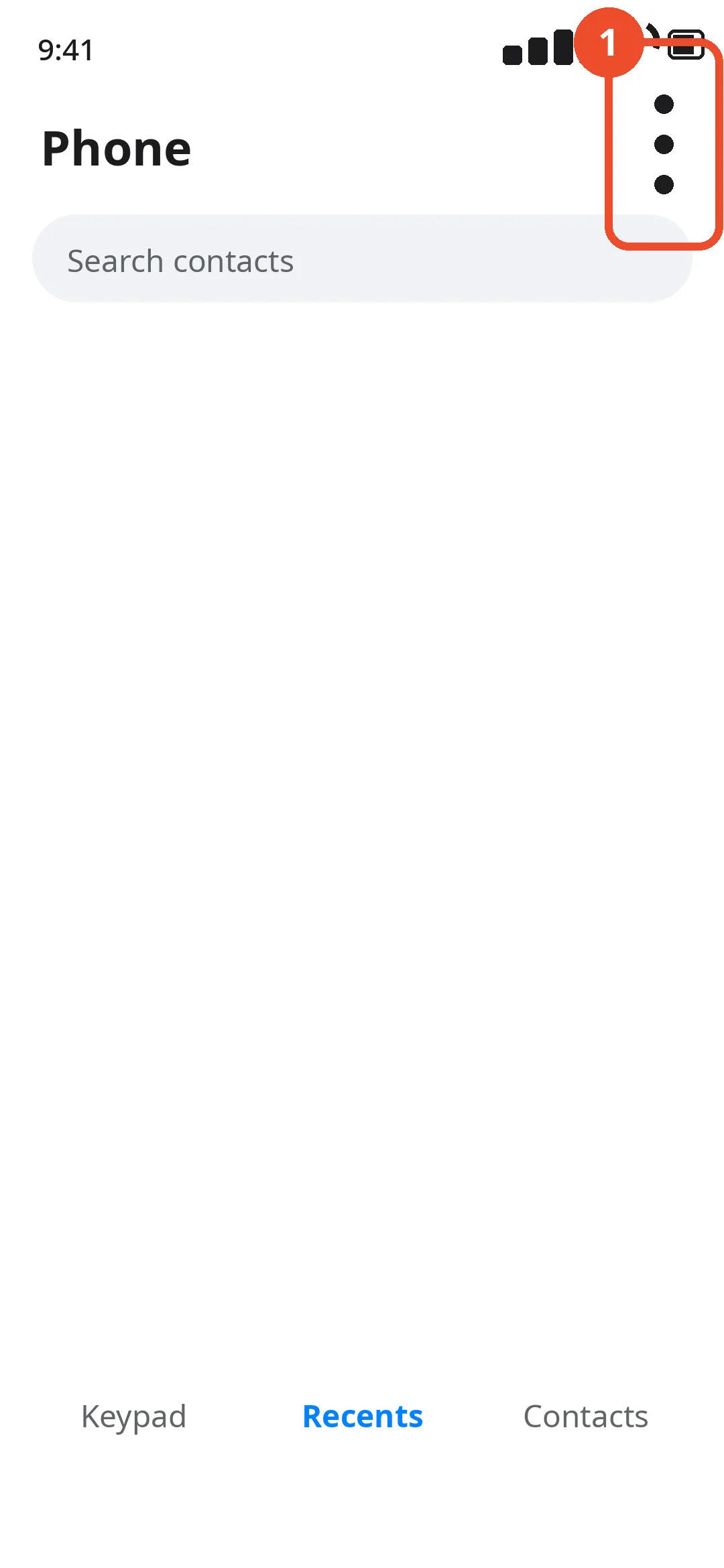
Open the Phone app and tap ⋮
Open the Phone app, tap the More options (⋮) button in the top-right corner, then tap Settings.
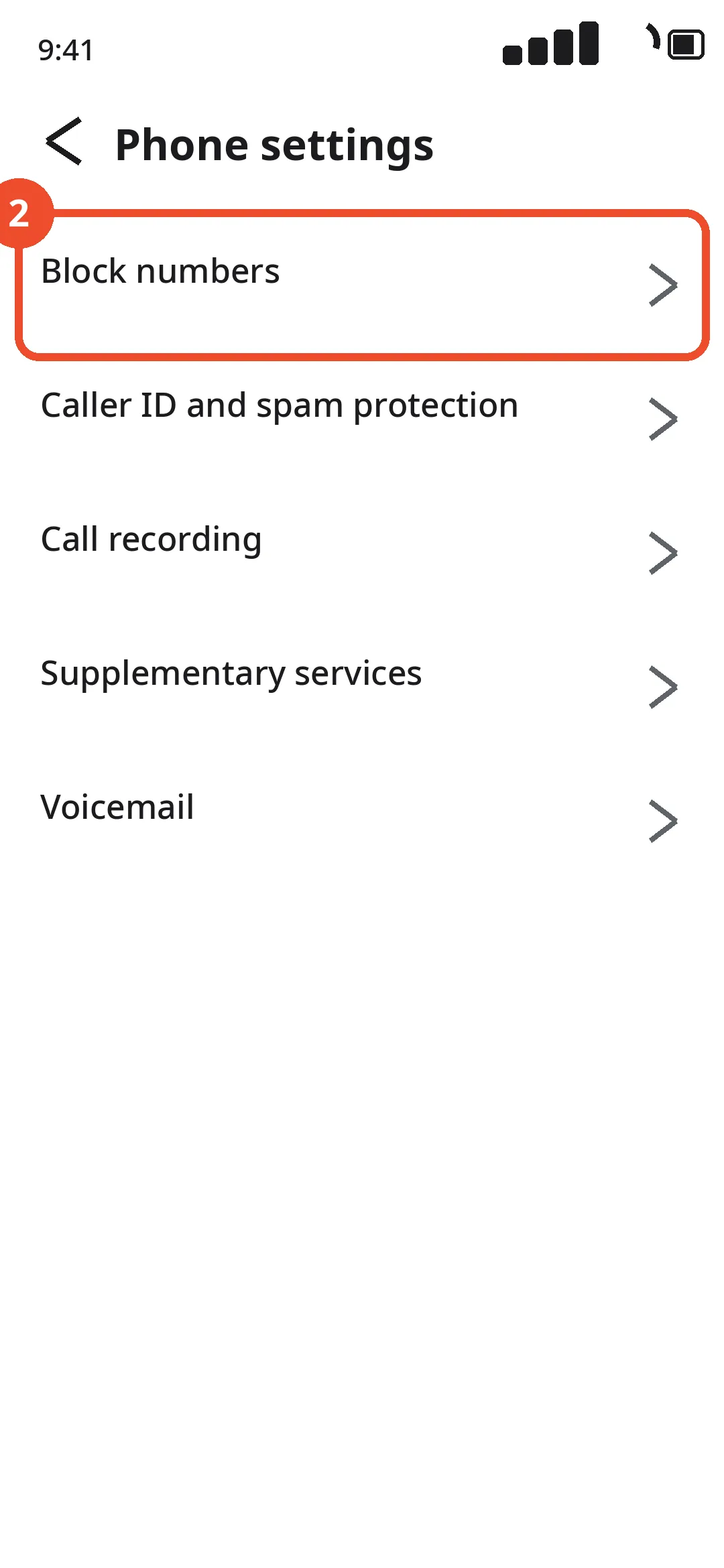
Tap Block numbers
In Phone settings, tap Block numbers at the top of the list.
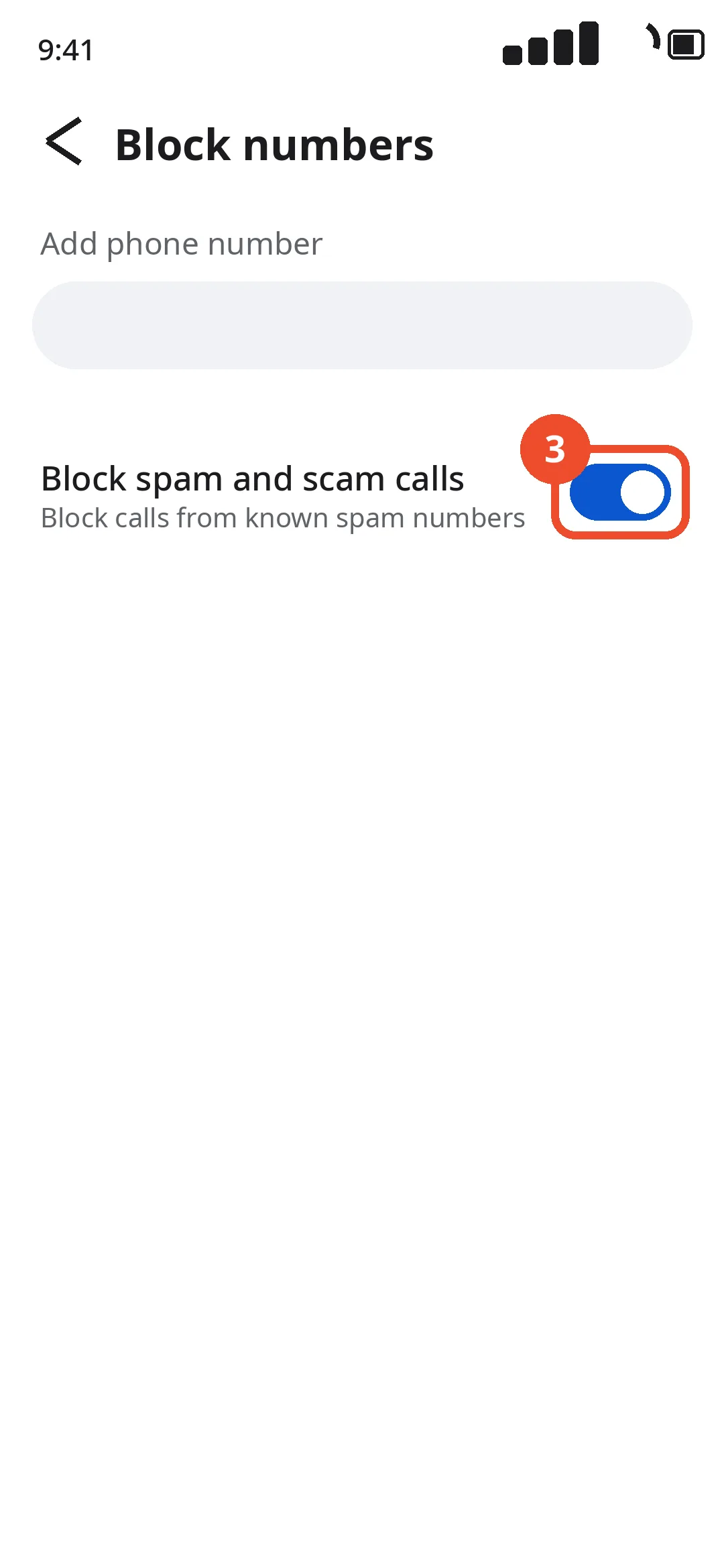
Turn on Block spam and scam calls
Turn on Block spam and scam calls. Calls from numbers identified as spam or scam are now blocked before your phone rings.