How to Watch TikTok Without Installing the App
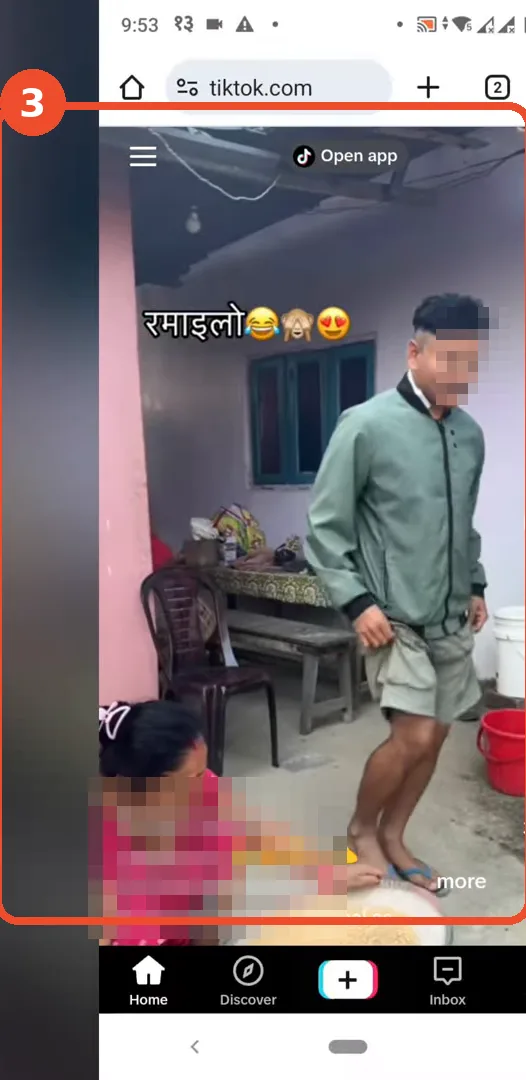
No storage left, a borrowed phone, or simply no interest in another account? TikTok’s website plays videos in the browser with no app installed and no sign-in. The recording does the whole thing in Chrome on Android: open the site, tap a video, watch. Faces and names in the video screenshot are blurred — it is another creator’s public video, and the point is only that it plays.
- SystemAndroid
- AppChrome (browser)
- Also works onAny phone or computer browser
- Last verifiedOctober 28, 2026
Every screenshot below is taken from the actual recording on this device — no stock images.
Before you start
- Watching works without an account. Liking, commenting, following and posting do need one — the site will push you towards the app for those.
- Expect an Open app button and the occasional sign-in prompt; you can dismiss them and keep watching.
- This uses mobile data like the app does; the website does not download videos for offline viewing.
Steps
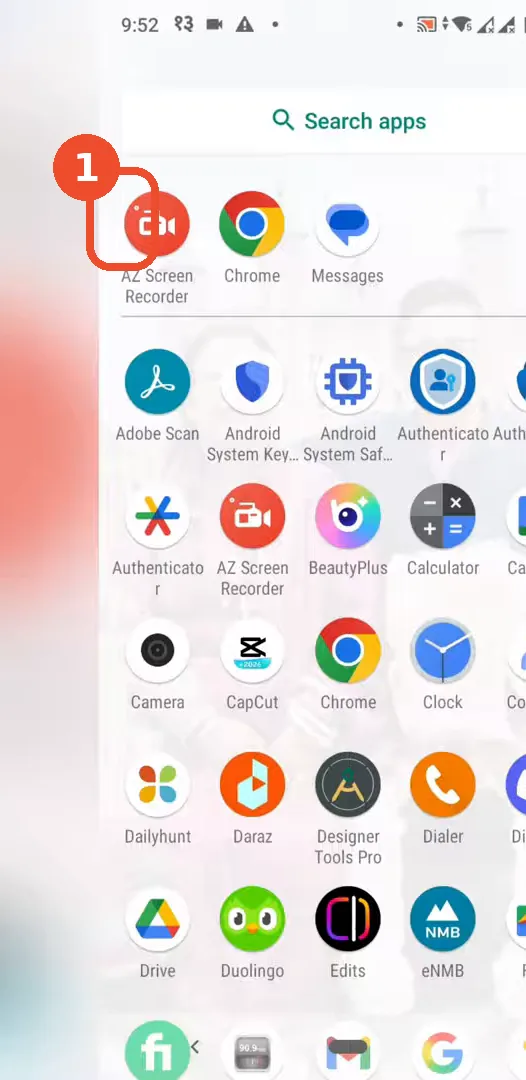
Open Chrome
Open Chrome (any browser works — the recording uses Chrome).
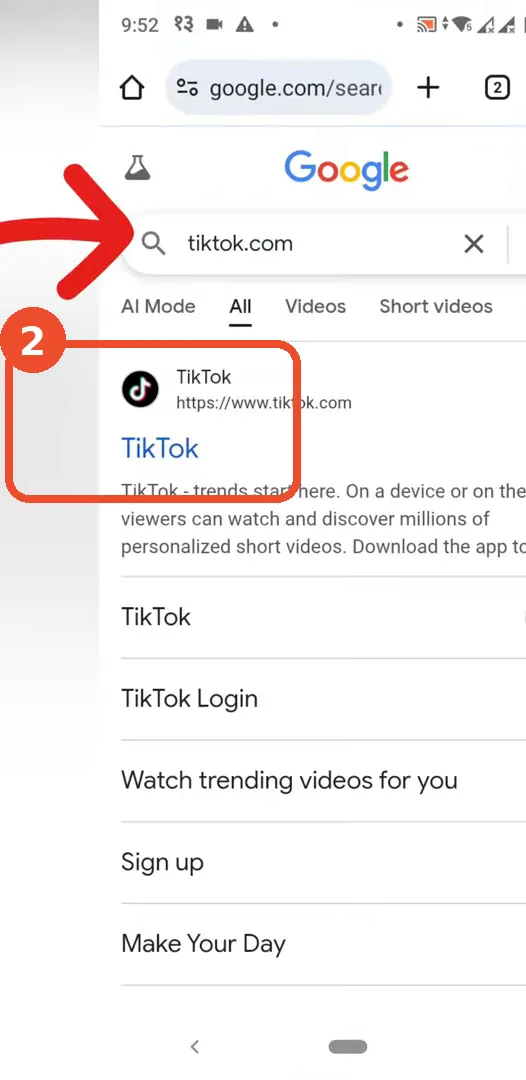
Open tiktok.com from the search results
Search for tiktok.com and tap the TikTok result — or skip the search and type tiktok.com straight into the address bar.
Watch a video in the browser
The feed loads inside the browser. Tap a video and it plays, with the usual Home and Discover tabs at the bottom — no installation and no login involved.
Good to know
- Links people send you (a video URL in WhatsApp, for example) also open in the browser this way — you do not need the app to view a shared TikTok.
- The browser version remembers nothing between visits unless you sign in; closing the tab is a clean exit.
- On a computer the same address works, and the layout is roomier.