How to Tag Someone on Instagram (Posts and Stories)
Tagging someone in a post puts a tag on the photo or video that viewers can tap; tagging in a Story is a mention you type with @. This guide follows the film through both: a post tagged with DJI, and a Story with an @dji mention. Reels are not shown — the video’s title mentions them, but the film only demonstrates a post and a Story.
- SystemAndroid
- AppInstagram
- Last verifiedNovember 9, 2026
Every screenshot below is taken from the actual recording on this device — no stock images.
Steps
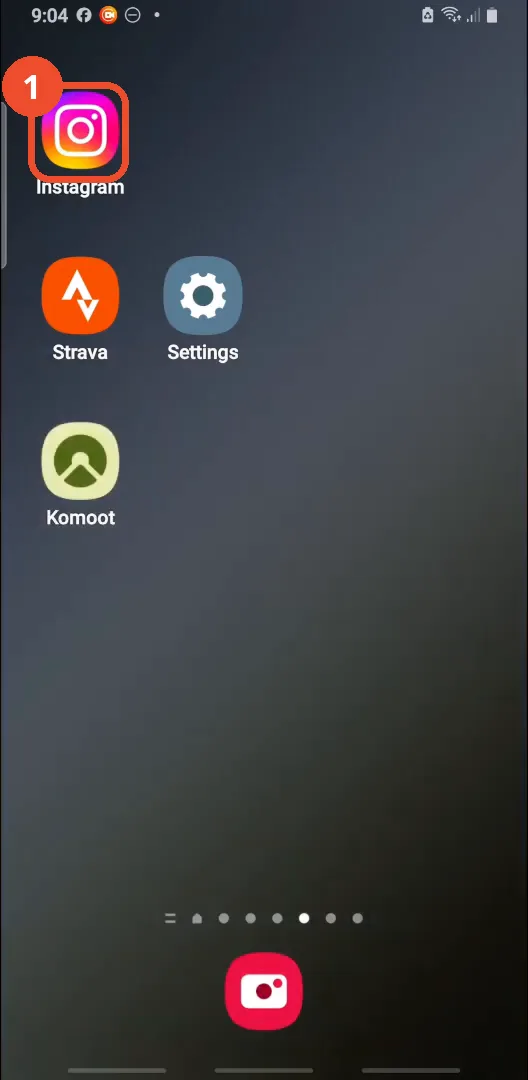
Open Instagram
Open Instagram from your home screen.
Tap the + button
Tap the + at the top left of the feed to create something new.

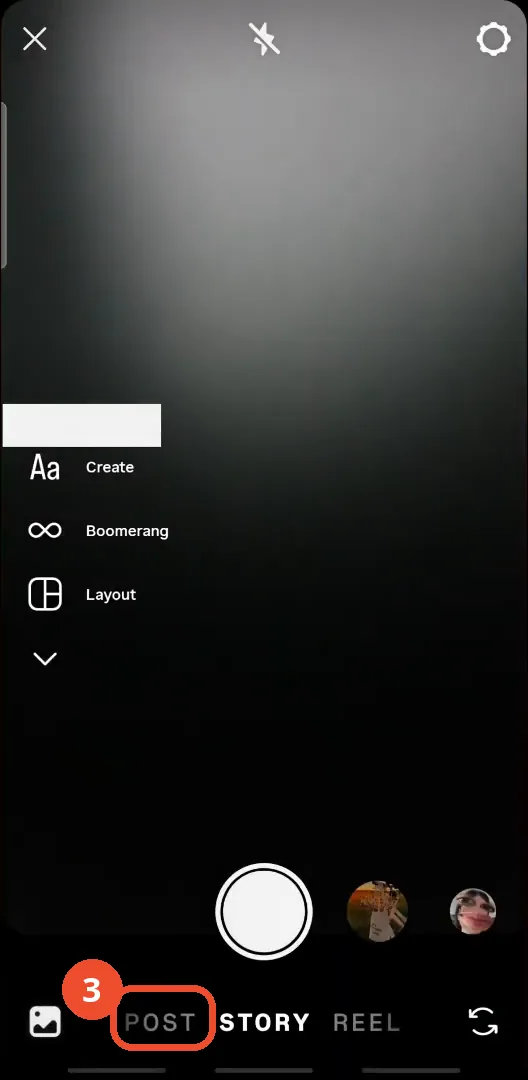
Choose Post
At the bottom of the camera screen, tap POST. Story and Reel are the other options; the film goes with Post.
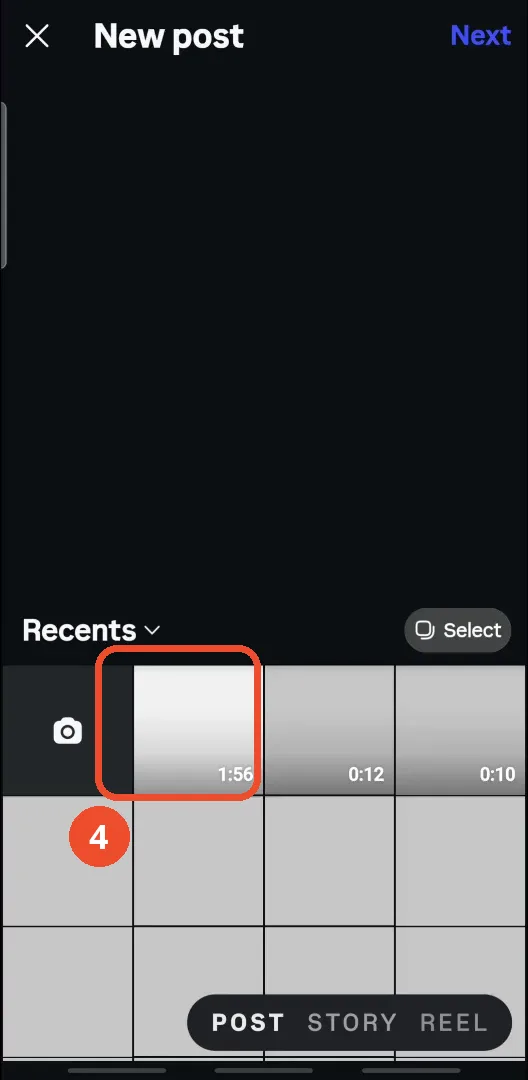
Pick a video
In Recents, tap the video you want to post — here the 1:56 clip — to select it.
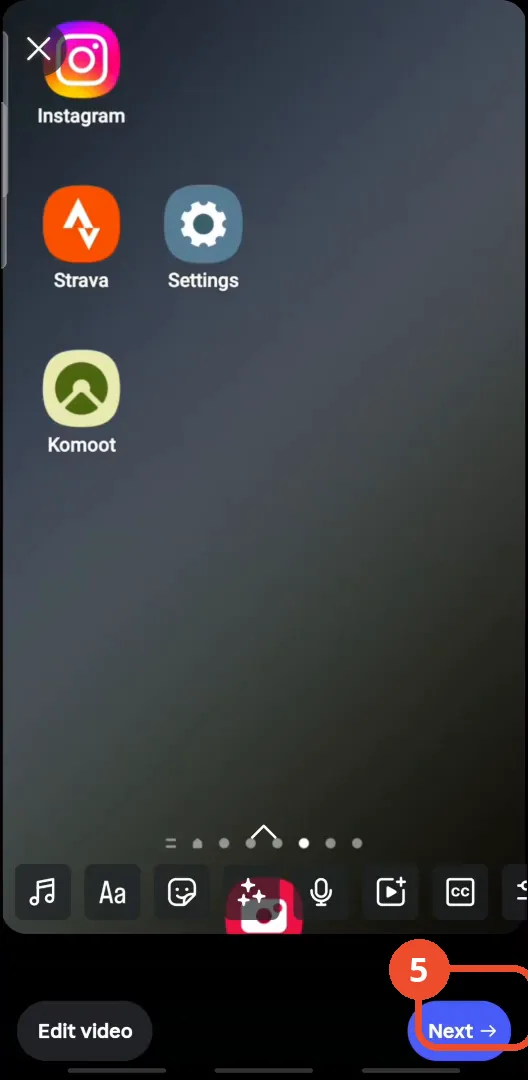
Tap Next in the editor
Trim or edit the video if you want, then tap Next at the bottom right to go to the caption screen.
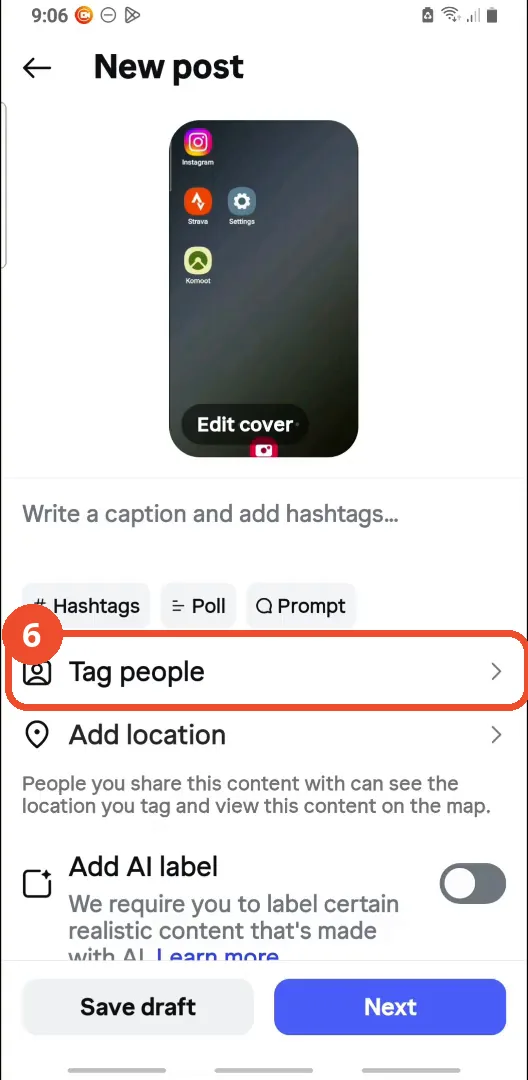
Tap Tag people
On the New post screen, tap Tag people under the caption field.
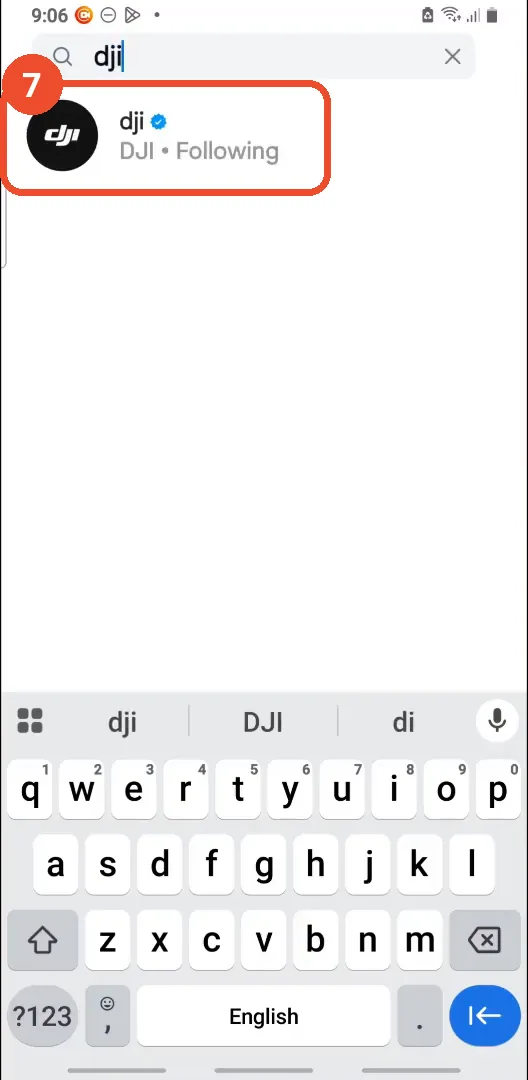
Search for the person and tap their name
Tap Add tag, type the person’s name in the search box and tap their account in the results — here DJI, the verified brand account.
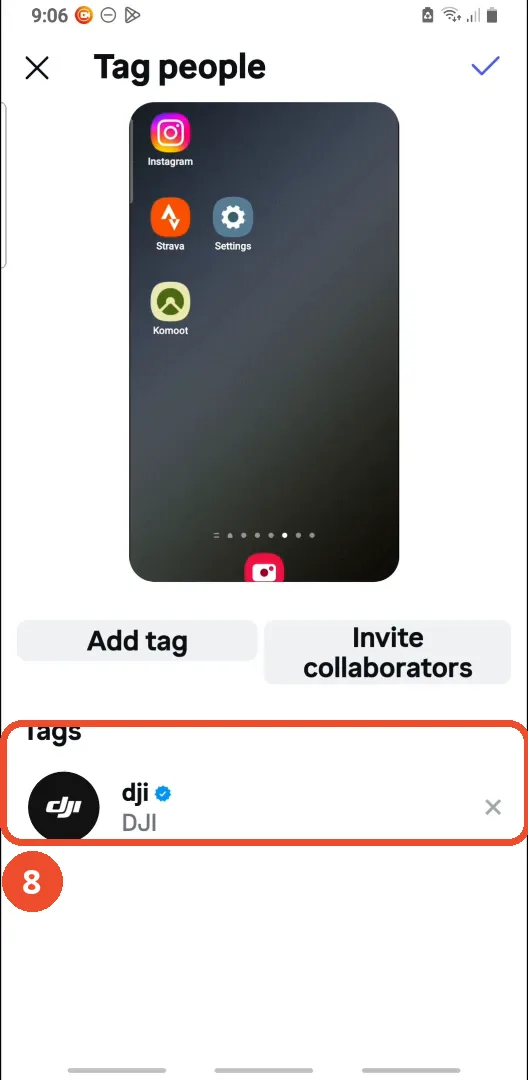
Check the tag is added
Back on the Tag people screen, the tag shows under Tags. Tap the checkmark at the top right to confirm it.
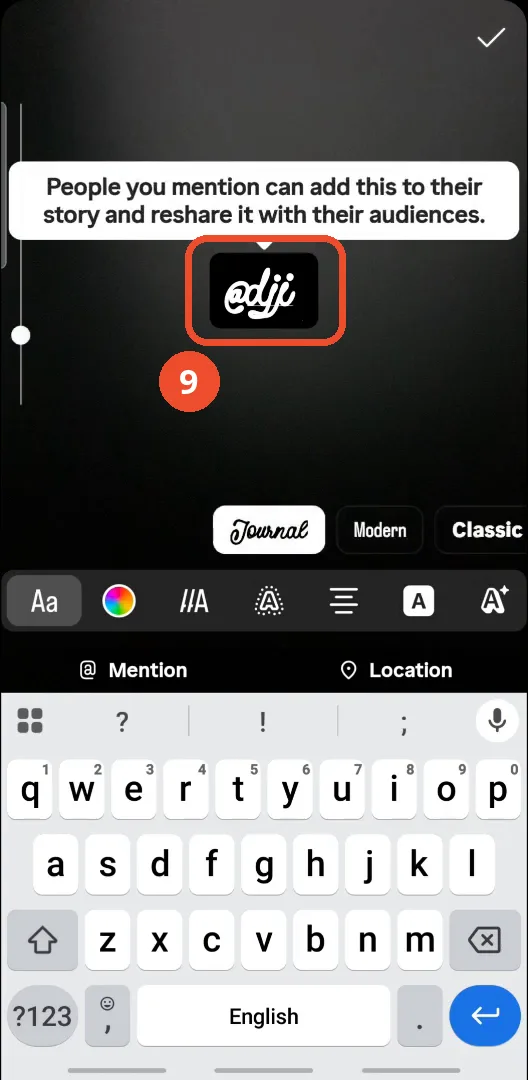
Tag someone in a Story with @
For a Story, tap the Aa text tool in the Story editor and type @ followed by the username — here @dji. Instagram notes that people you mention can add the Story to their own.
Good to know
- The video’s title says Posts, Stories and Reels, but Reels tagging is never demonstrated: the film only shows a post and a Story, so this guide is titled for what is actually shown.
- Neither the tagged post nor the tagged Story is published in the film: the post stays on the caption screen and the Story stays in the editor, so the final Share step is not shown.
- The “video” posted in the film is a screen recording of the phone’s home screen — that is what the editor shows as the post’s content.
- The film also opens the Invite collaborators screen, but nobody is invited: the search is left empty and the film goes back to the tag screen.
- The account tagged is DJI, a brand account; the operator’s own account (@the_help_screen) also appears in the search results when only “d” is typed.
- A tag on a post and a mention in a Story are different: the post tag is added from the Tag people screen, while the Story mention is typed with @ in the Story editor.
More on Instagram
- How to Comment on Your Own Instagram Story
- How to Hide Your Instagram Story from Everyone at Once
- How to Find the Email Associated with Your Instagram Account (2026 Guide)
- How to Unfollow Multiple People on Instagram
- How to Hide Your Instagram Account from Search
- How to View Instagram Stories Without Being Seen
- How to View All Comments on an Instagram Post