How to Search Multiple Hashtags on Instagram
Instagram’s own search cannot handle two hashtags at once - type ‘#skate #youtube’ and it finds nothing. The film’s workaround is a Google search restricted to Instagram posts: site:instagram.com/p/ plus the hashtags, then open a result in the app. It finds posts carrying both tags, even though Instagram itself never learns the trick.
- SystemAndroid
- AppInstagram
- Last verifiedNovember 10, 2026
Every screenshot below is taken from the actual recording on this device — no stock images.
Steps
Open Instagram search
Open Instagram and tap the search field at the top.
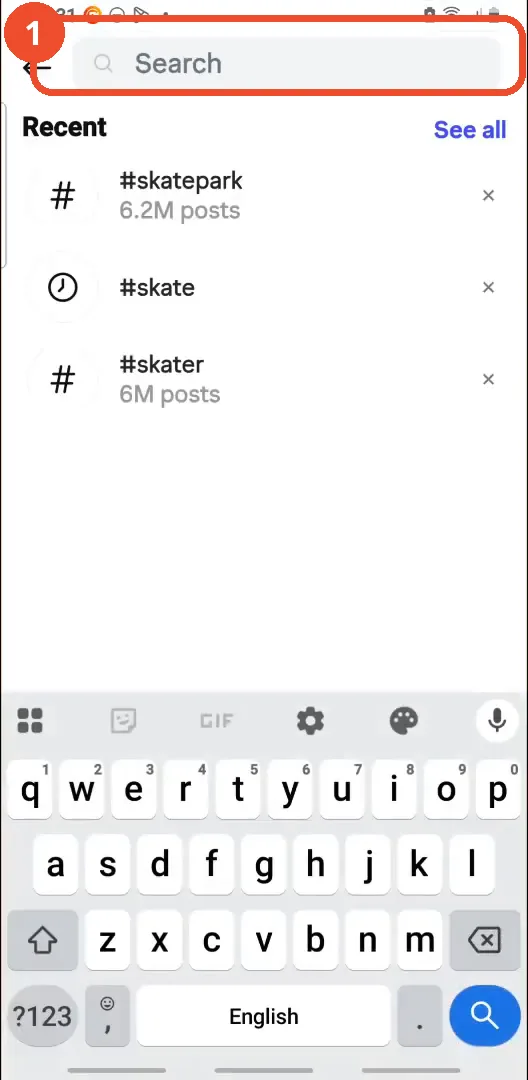
Type two hashtags
Type both hashtags separated by a space, for example #skate #youtube. The frame catches the query mid-typing.
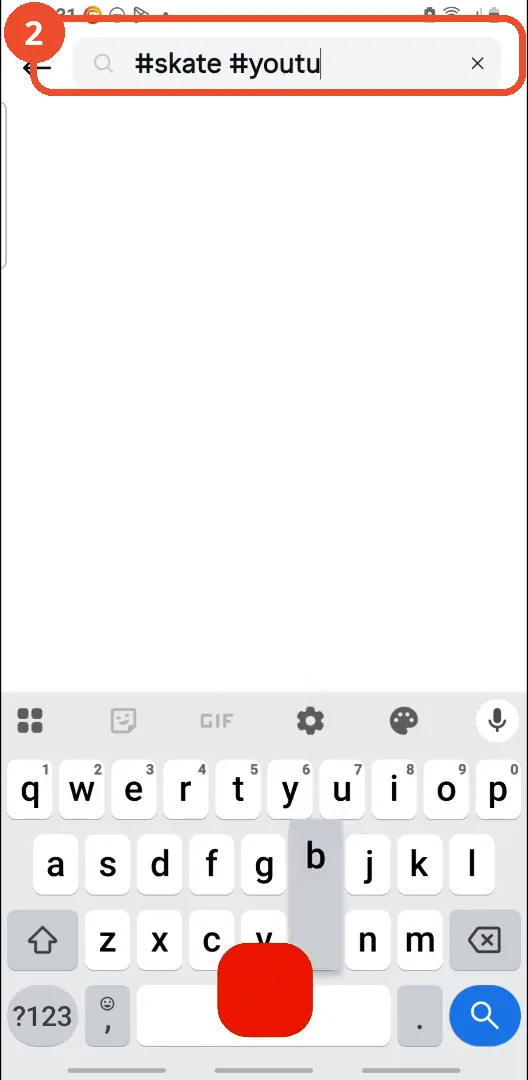
See that Instagram finds nothing
Instagram returns ‘No results found for “#skate #youtube”’. As of the film, the app cannot search two hashtags at the same time.
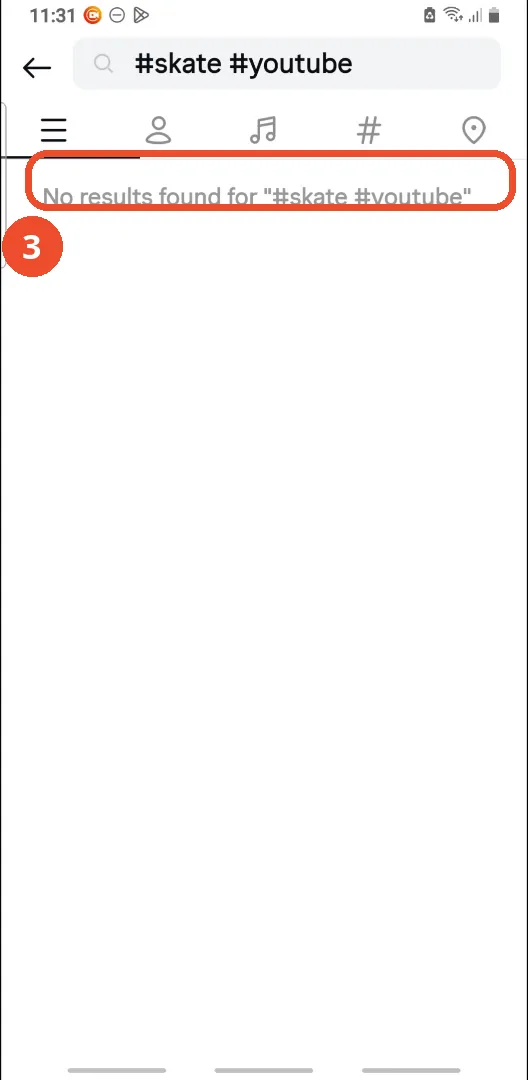
Open Chrome
Leave Instagram and open a web browser - the film uses Chrome. Any browser works.
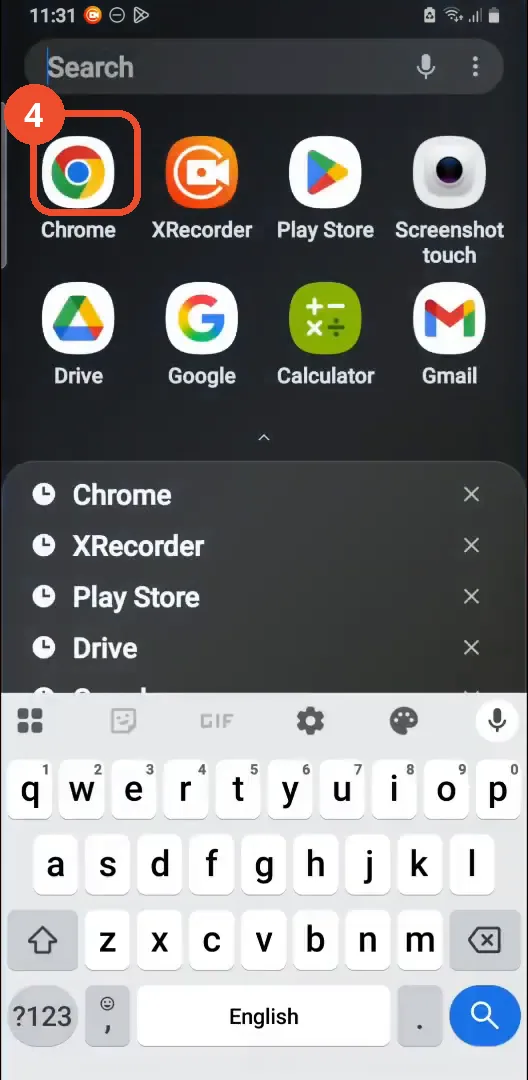
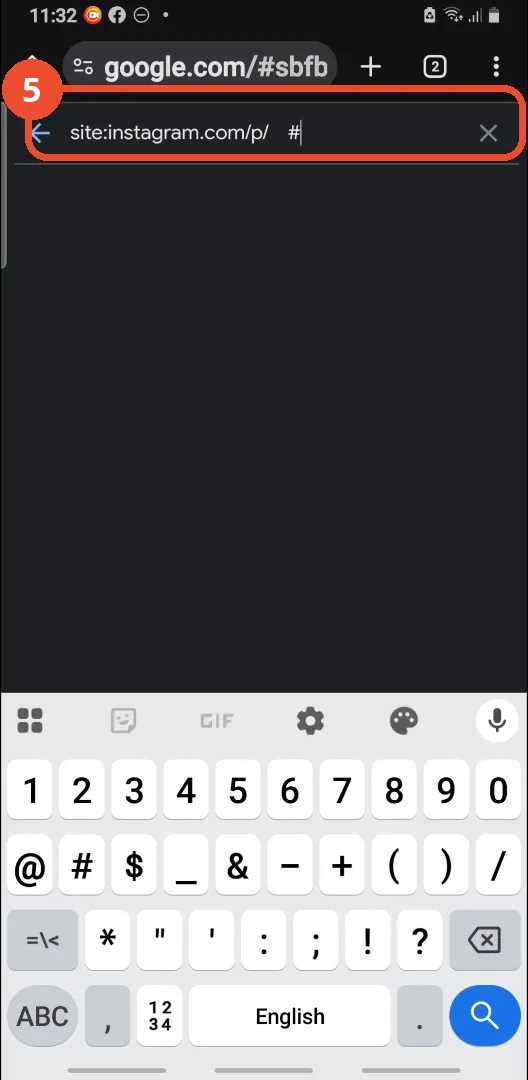
Search Google with site:instagram.com/p/
In Google, type site:instagram.com/p/ followed by a space and the hashtags you want, for example #skate. That limits the search to Instagram posts.
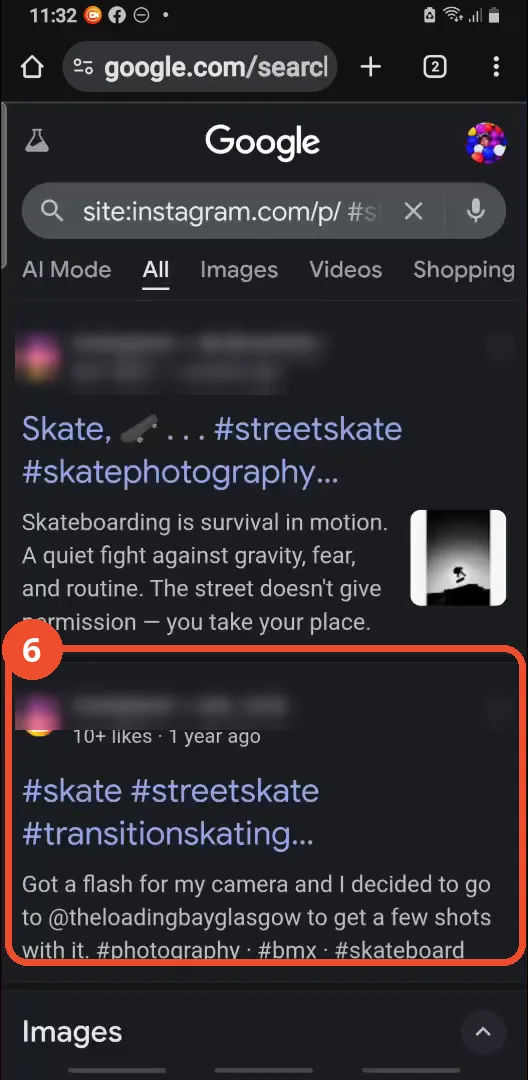
Open a result that has both hashtags
The results are Instagram posts carrying both hashtags - here #skate and #streetskate. Tap one to open it. Account names in the results are blurred.
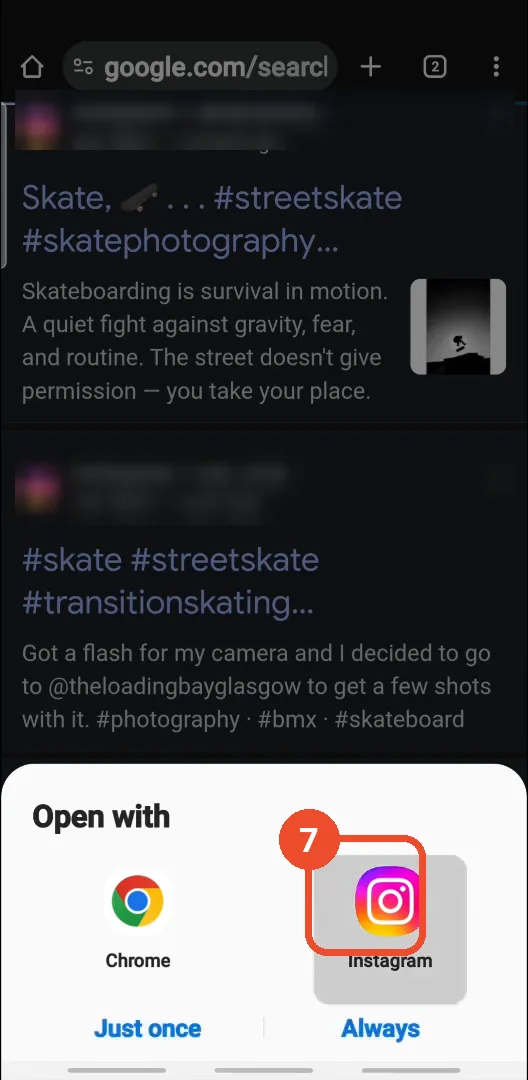
Choose Instagram in Open with
When Android asks how to open the link, tap Instagram so the post opens in the app.
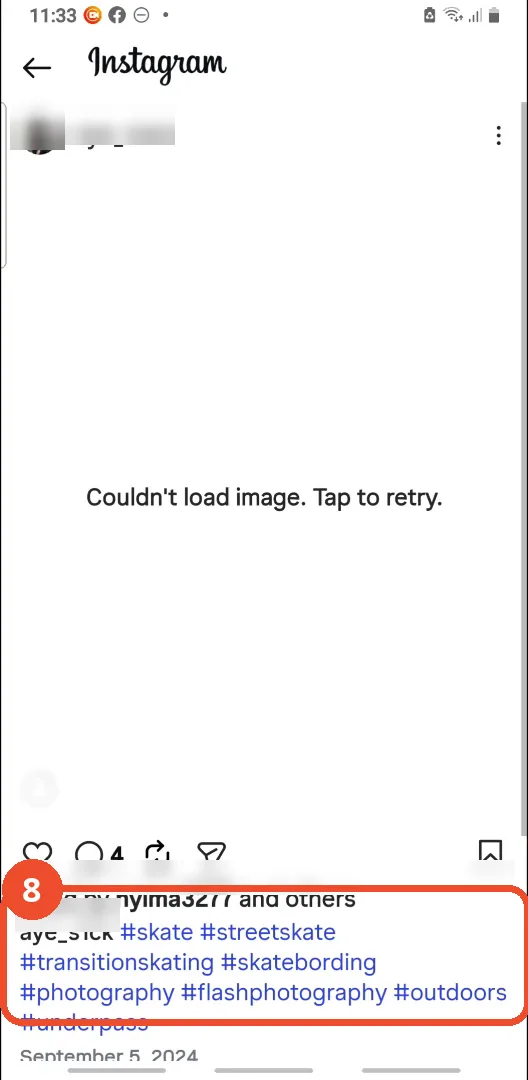
Check the post’s hashtags
The post opens in Instagram and its caption shows both hashtags, #skate and #streetskate. The photo itself fails to load in the film (‘Couldn’t load image’), but the caption is the proof the search worked.
Good to know
- Instagram cannot search multiple hashtags at the same time - the film proves it with a ‘No results found’ screen before showing the workaround.
- The workaround is a Google search, not an Instagram feature: site:instagram.com/p/ plus the hashtags finds posts whose captions contain them.
- The post the film opens shows ‘Couldn’t load image. Tap to retry.’ - its photo never loads on camera, but the caption with both hashtags is visible.
- The film briefly shows an earlier Google search in Chrome before typing the site: query - that is a previous search, not part of this method.
- Account names in the search results and on the post are blurred; only the hashtags are shown.
More on Instagram
- How to Comment on Your Own Instagram Story
- How to Hide Your Instagram Story from Everyone at Once
- How to Find the Email Associated with Your Instagram Account (2026 Guide)
- How to Unfollow Multiple People on Instagram
- How to Hide Your Instagram Account from Search
- How to View Instagram Stories Without Being Seen
- How to Tag Someone on Instagram (Posts and Stories)
- How to View All Comments on an Instagram Post
- How to Make Your Instagram Bio Multiple Lines
- How to Follow a Hashtag on Instagram (2026 Workaround)