How to Follow a Hashtag on Instagram (2026 Workaround)
Instagram removed the Follow button for hashtags in 2024, so there is no direct way to follow one any more. The workaround in this film: search for the hashtag, open its page, then use the Your algorithm screen to add the topic to ‘What you want to see more of’ - Instagram then shows you more reels about it.
- SystemAndroid
- AppInstagram
- Last verifiedNovember 10, 2026
Every screenshot below is taken from the actual recording on this device — no stock images.
Steps
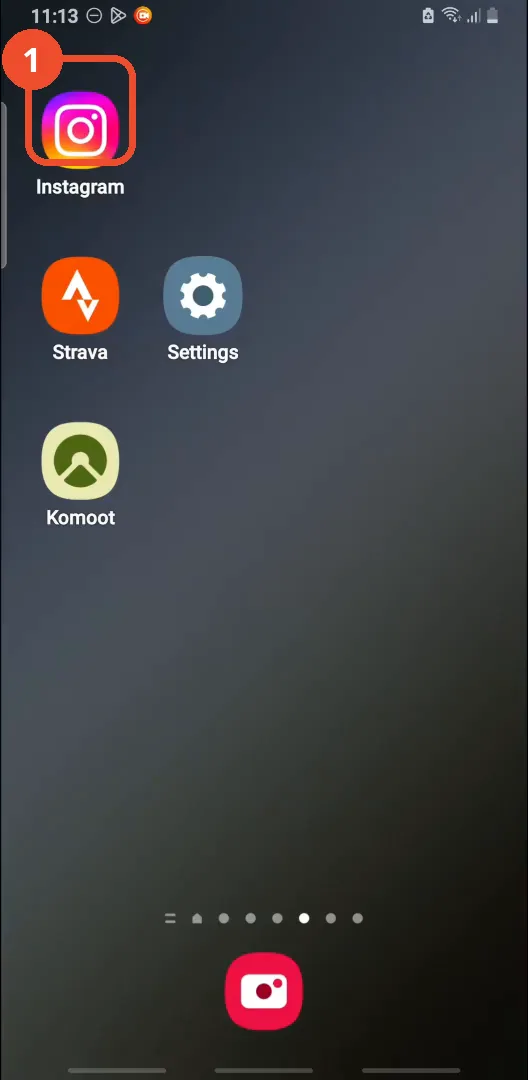
Open Instagram
Open Instagram from your home screen.
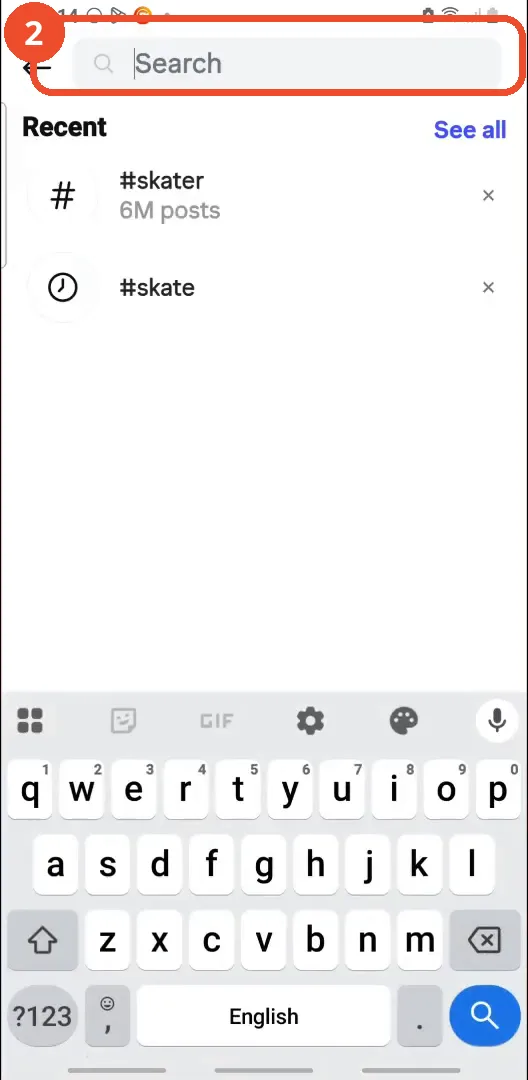
Open search
Tap Search in the bottom bar, then tap the search field at the top.
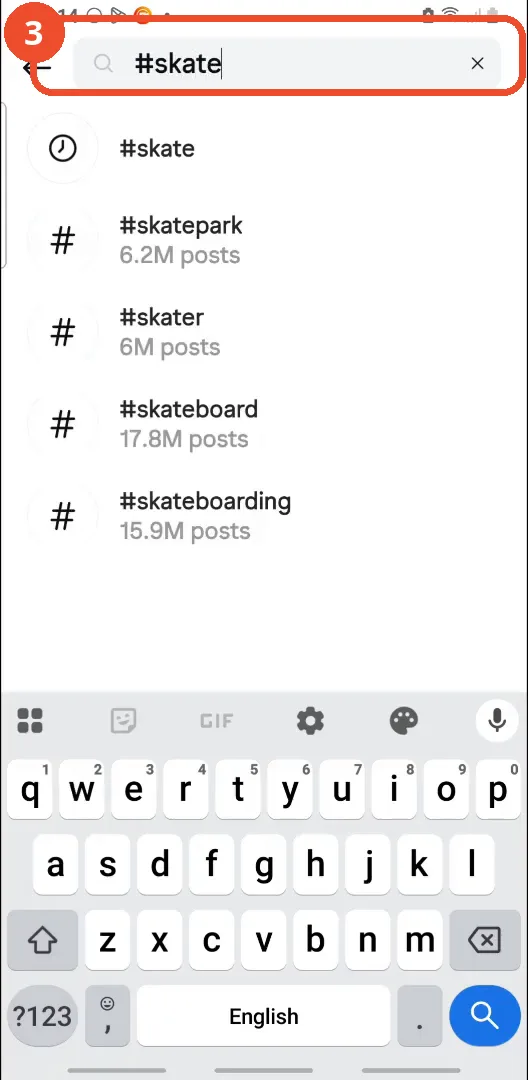
Type the hashtag
Type the hashtag you want to follow. The film types ‘#skate’ and Instagram suggests matching hashtags below.
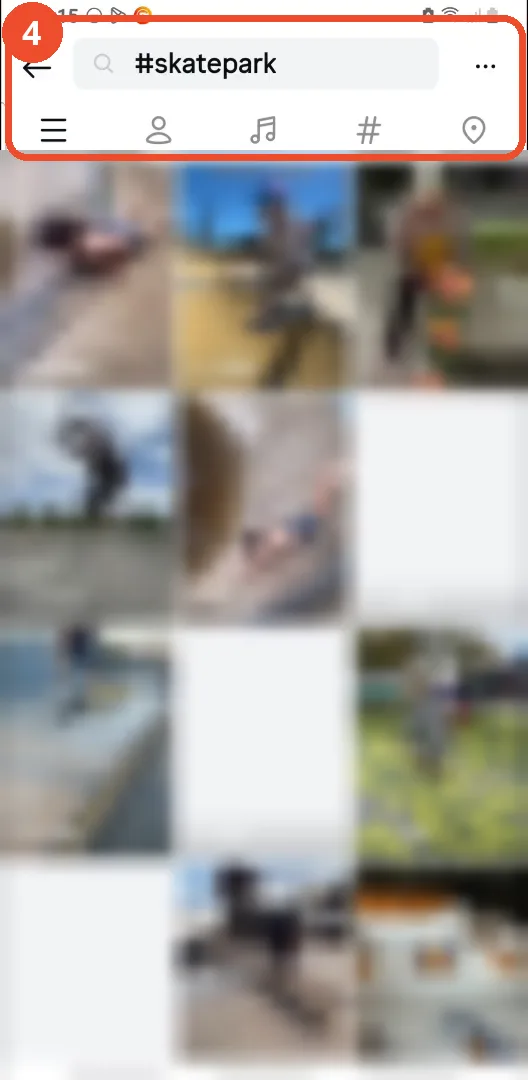
Open the hashtag’s page
Tap a hashtag in the list to open its page. The film opens #skatepark - its posts are blurred here because they show other people’s faces.
Open Your algorithm
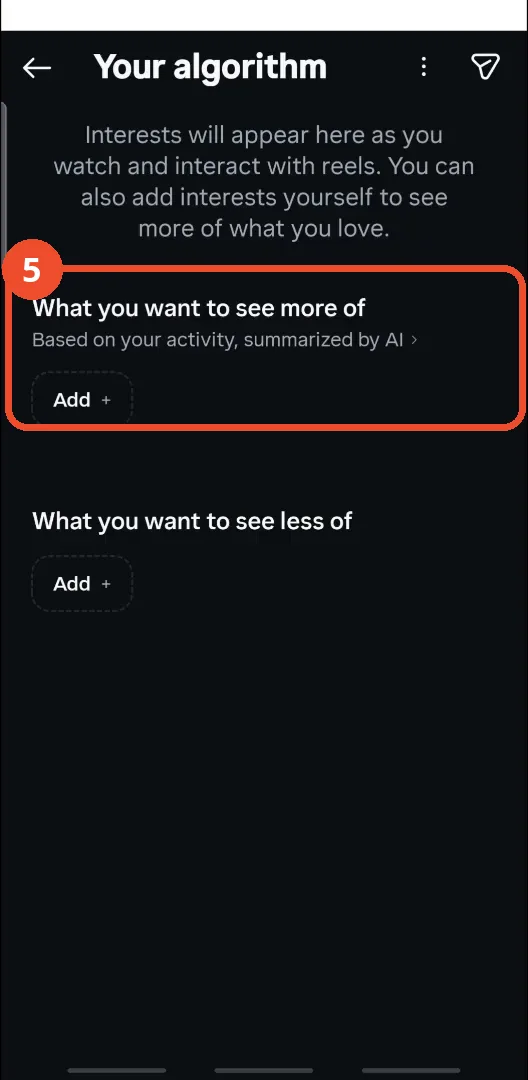
Open a post from the hashtag page, then tap the sliders icon at the top right. The Your algorithm screen opens - this is the control the film uses instead of a Follow button.
Type the interest and send it
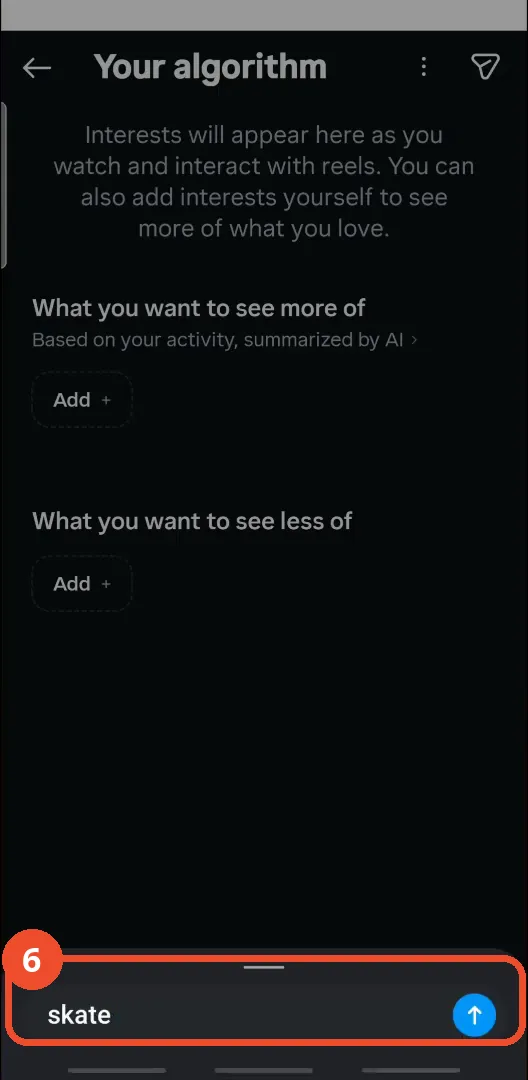
Under ‘What you want to see more of’, tap Add, type the interest - the film types ‘skate’ - then tap the blue send arrow.
Check the interest is added
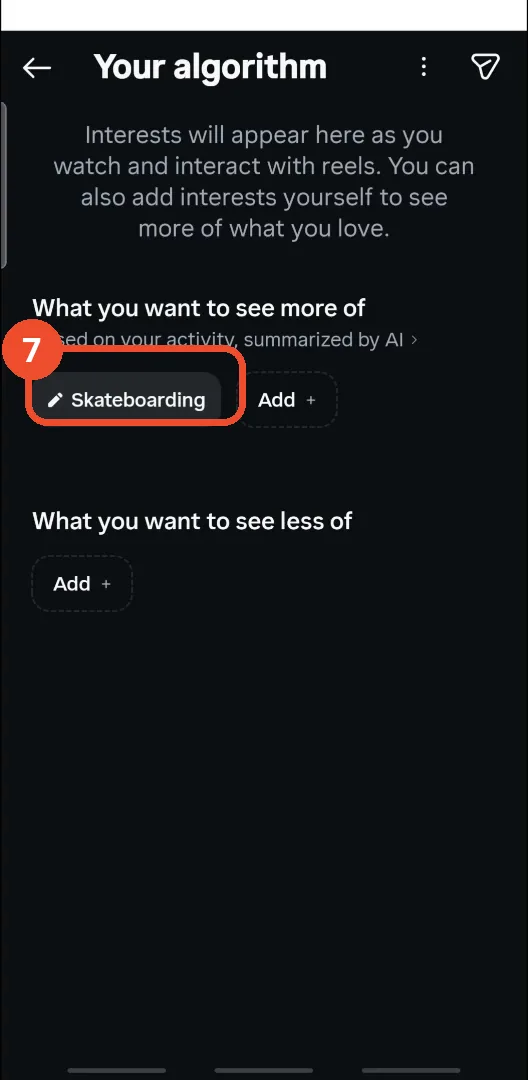
‘Skateboarding’ now sits under ‘What you want to see more of’. Instagram will show you more reels on that topic.
Good to know
- You can no longer directly follow a hashtag on Instagram - the follow feature was removed in 2024, and this article is retitled to say so.
- The narrator says to tap ’the search icon at the bottom right corner’ - the Search tab is in the bottom bar, fourth from the left.
- The film searches for ‘skate’ but ends up opening the #skatepark page from the suggestions - any hashtag in the list works the same way.
- The narrator calls the icon to open Your algorithm ‘hearts with two lines’ and ’the tree’ - in the film it is the sliders/filter icon at the top right of a post.
- Adding the interest does not follow the hashtag or show its posts in your feed - it only tells Instagram to show you more reels on that topic.
- The post the film opens from the hashtag page is not shown as a step: it shows a person diving, and the frame is not needed for the workaround.
More on Instagram
- How to Comment on Your Own Instagram Story
- How to Hide Your Instagram Story from Everyone at Once
- How to Find the Email Associated with Your Instagram Account (2026 Guide)
- How to Unfollow Multiple People on Instagram
- How to Hide Your Instagram Account from Search
- How to View Instagram Stories Without Being Seen
- How to Tag Someone on Instagram (Posts and Stories)
- How to View All Comments on an Instagram Post
- How to Search Multiple Hashtags on Instagram
- How to Make Your Instagram Bio Multiple Lines