How to Pin Multiple Locations on Google Maps
Google Maps directions only take you from A to B, but a My Map can hold every place on a trip at once. This tutorial follows the film exactly: create a map, pin Mariano’s, Grand Boulevard and Canaryville in Chicago, and keep them together in a layer called Trip.
- SystemWindows (browser)
- AppGoogle Maps web app
- Last verifiedNovember 18, 2026
Every screenshot below is taken from the actual recording on this device — no stock images.
Steps
Open Google Maps
Open Google Maps in a desktop browser and sign in to your Google account. The film opens on Montclair, New Jersey.
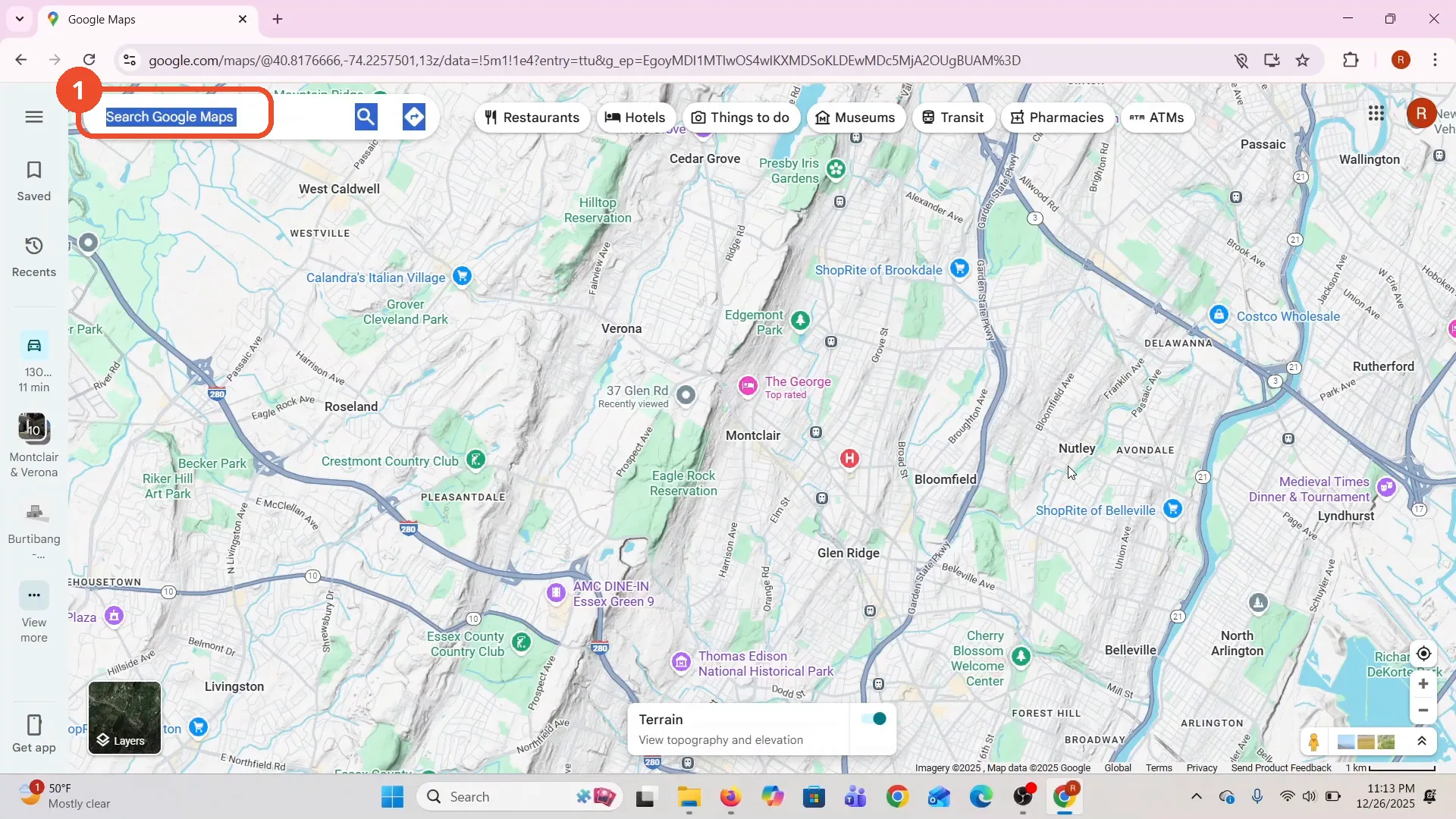
Click Saved in the left sidebar
In the left sidebar, click Saved, the bookmark icon. The Saved panel opens with your lists.
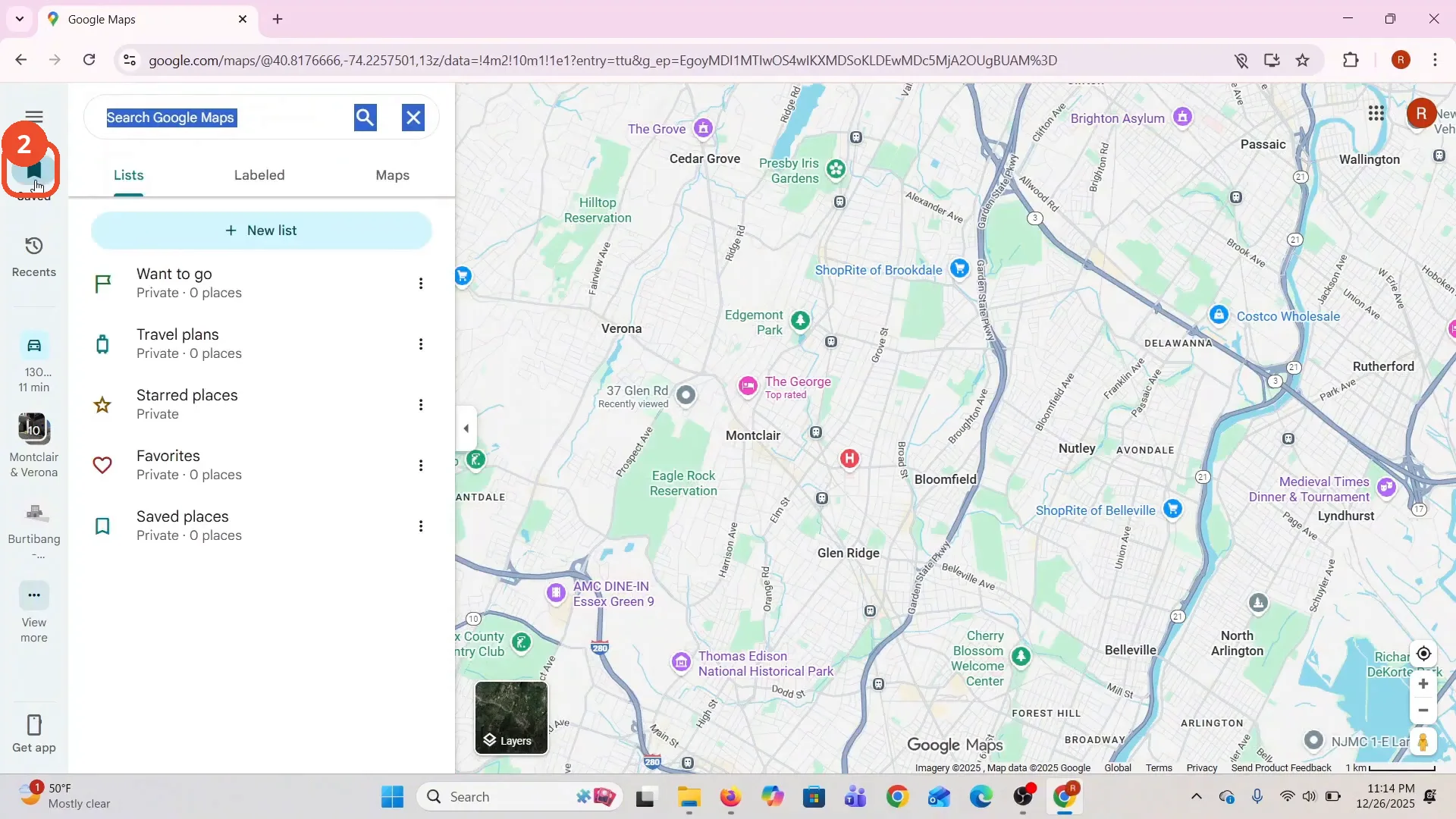
Click the Maps tab
At the top of the Saved panel, click the Maps tab. This is where your My Maps live.
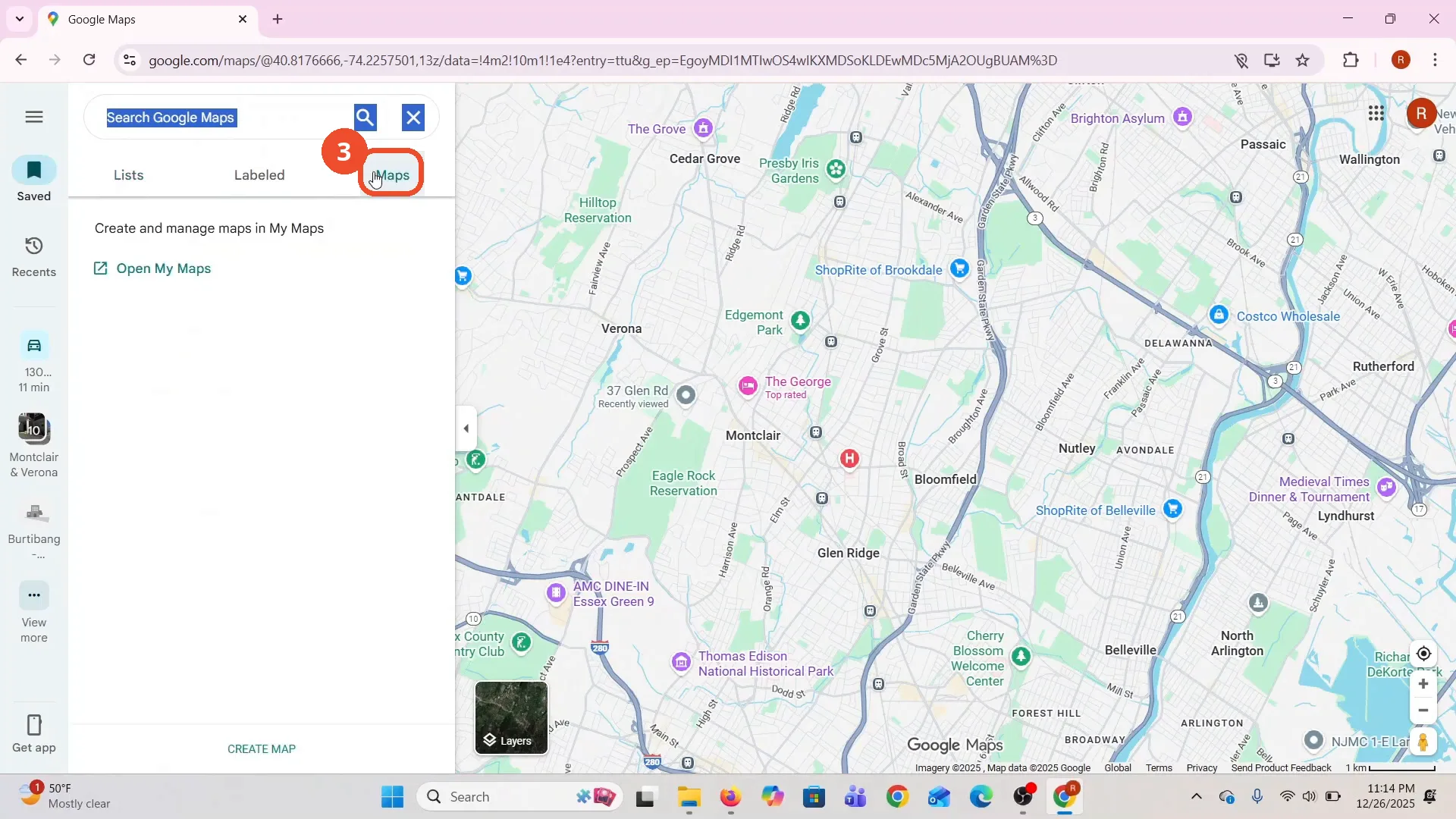
Click CREATE MAP
At the bottom of the Maps tab, click CREATE MAP. A new tab opens to My Maps.
Click Create in the popup
A popup says creating a My Maps map uploads its title, thumbnail and metadata to Drive. Click CREATE.
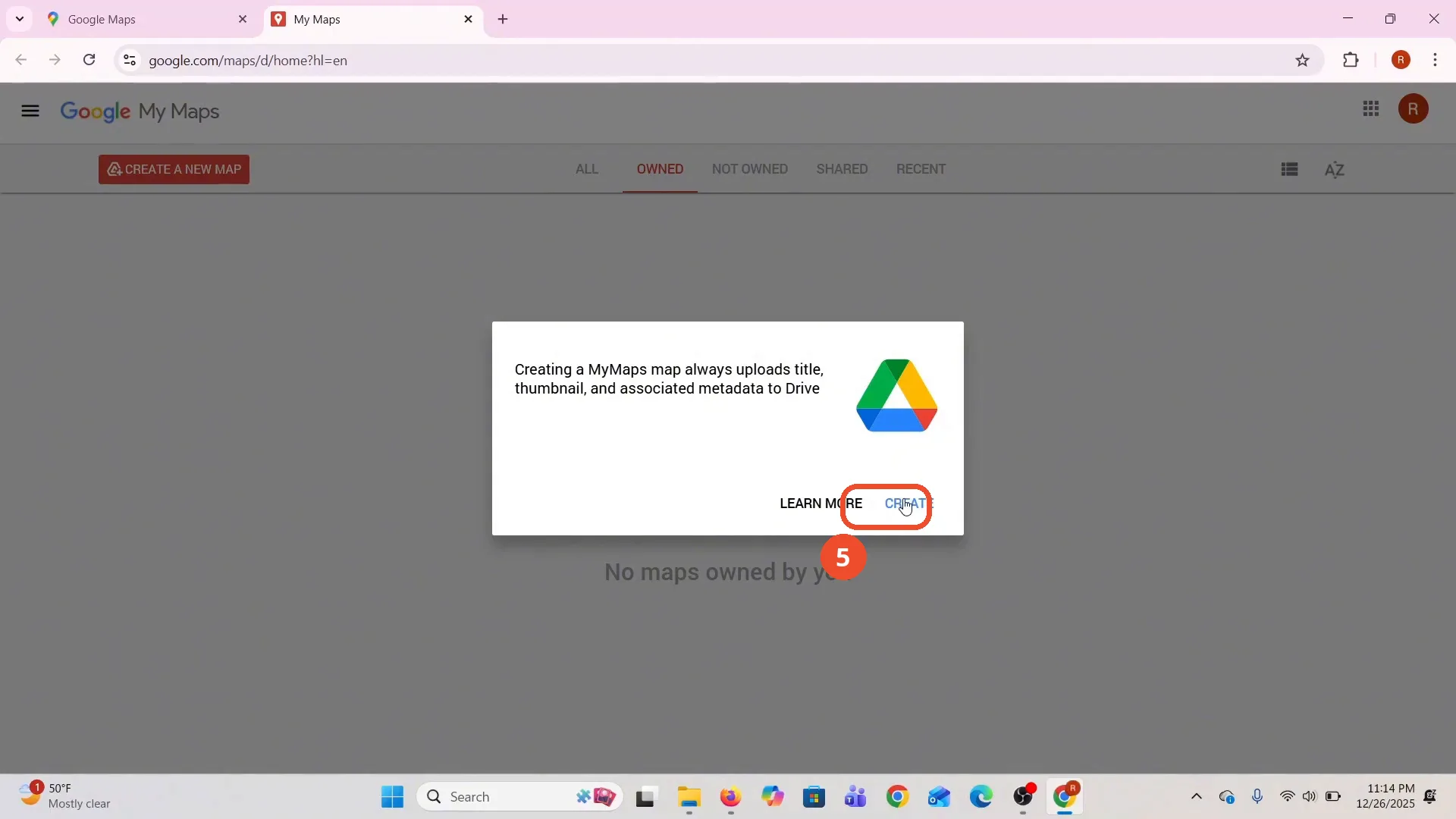
Wait for your My Map to open
Your new My Map opens, an ‘Untitled map’ over a world map. This is My Maps, not Google Maps directions: the pins are saved here.
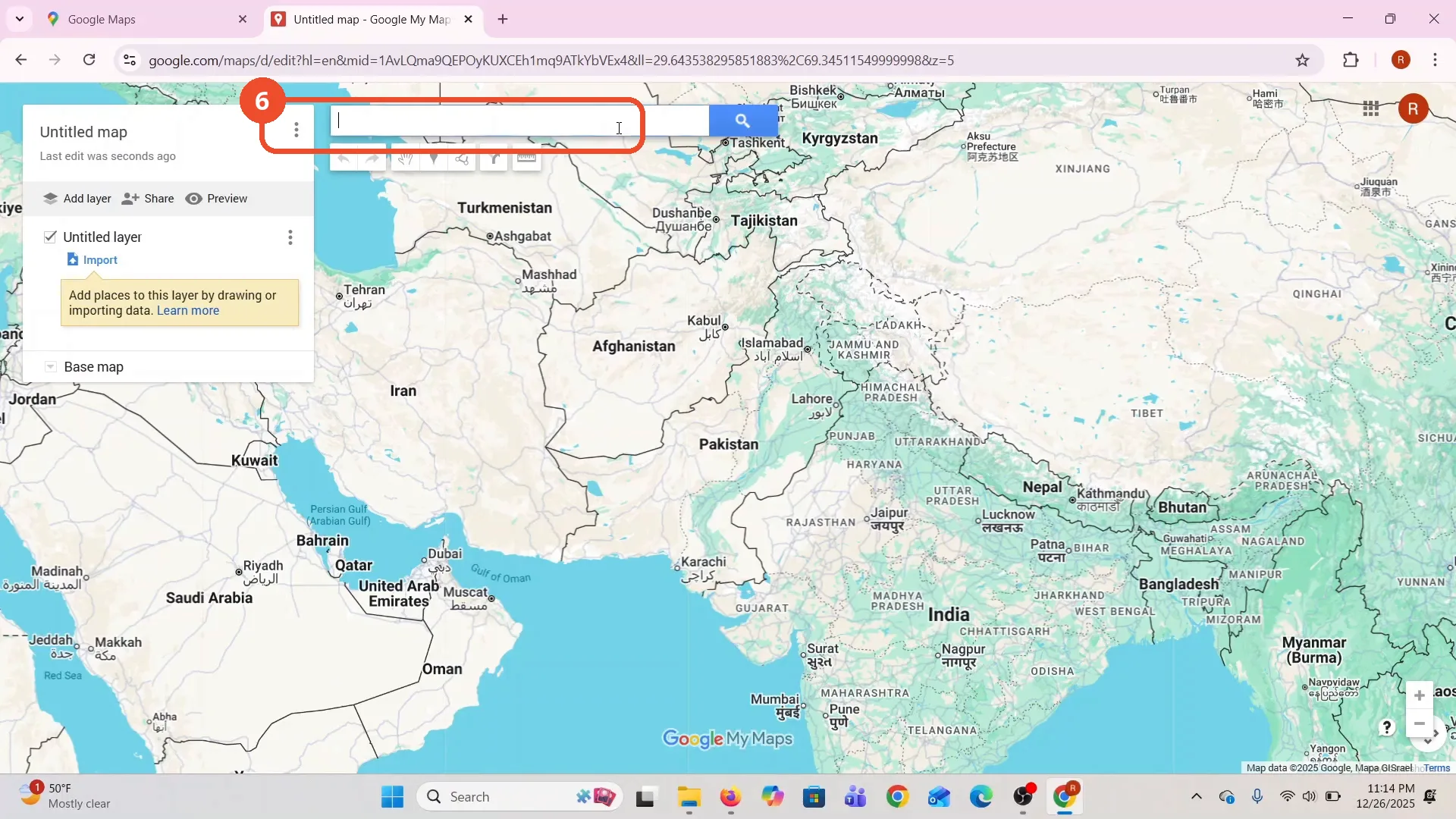
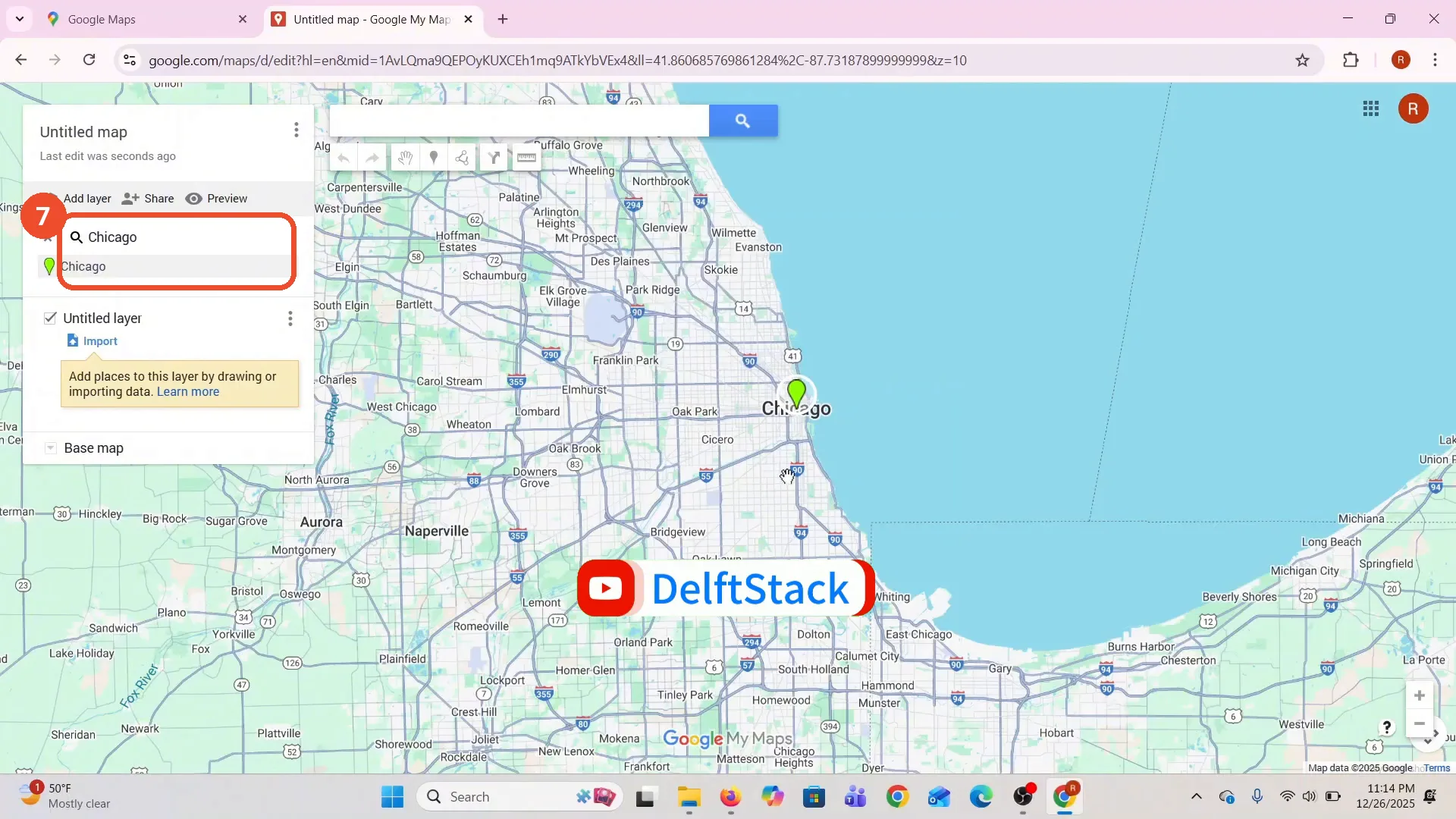
Search for Chicago
Search for the place you want to pin. The film types Chicago and picks it from the results, and the map zooms to Chicago.
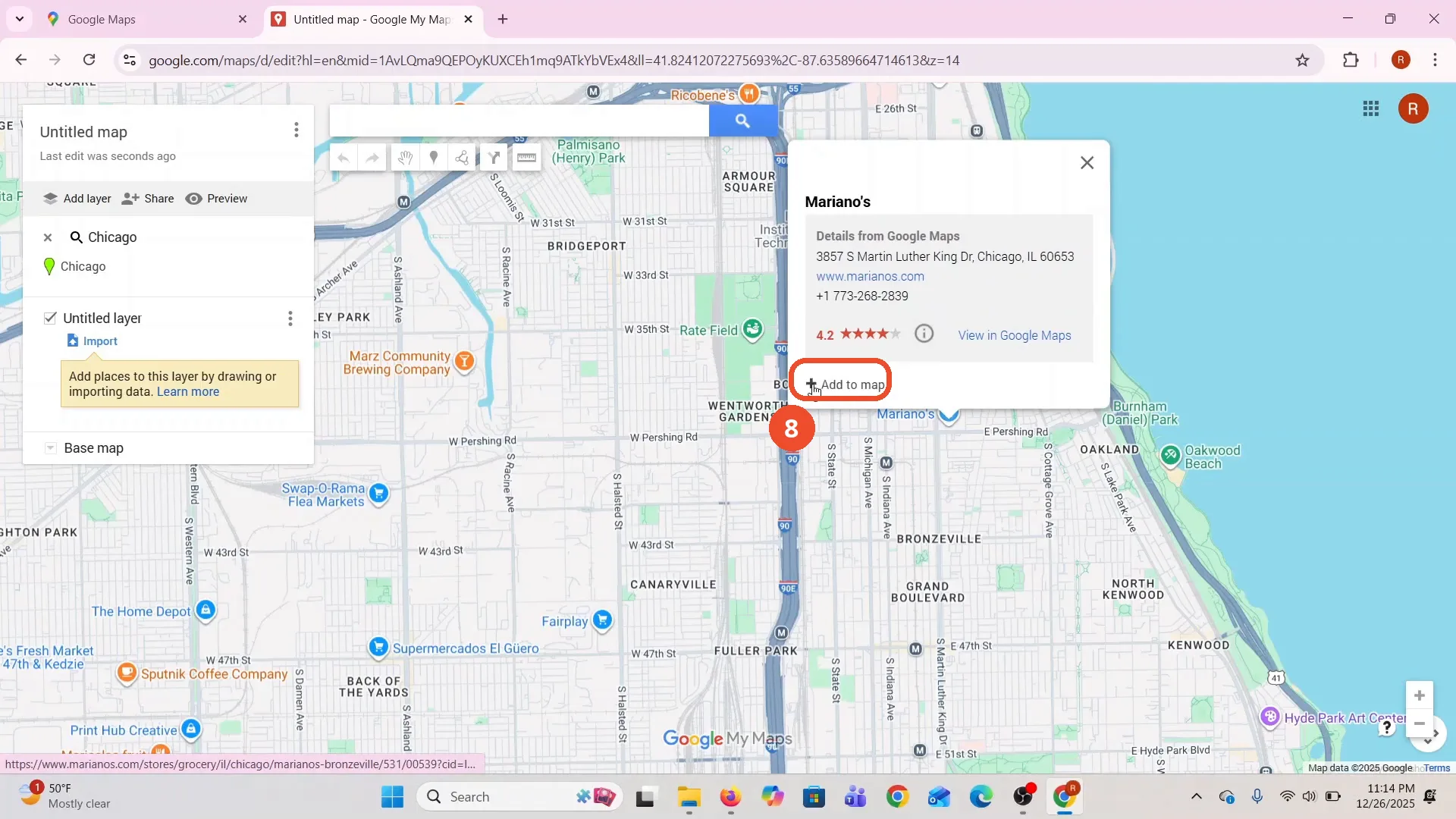
Click Mariano’s, then Add to map
Zoom in and click the first place you want to pin. The film clicks Mariano’s, a grocery store on Martin Luther King Drive, and its card opens. Click Add to map at the bottom of the card.
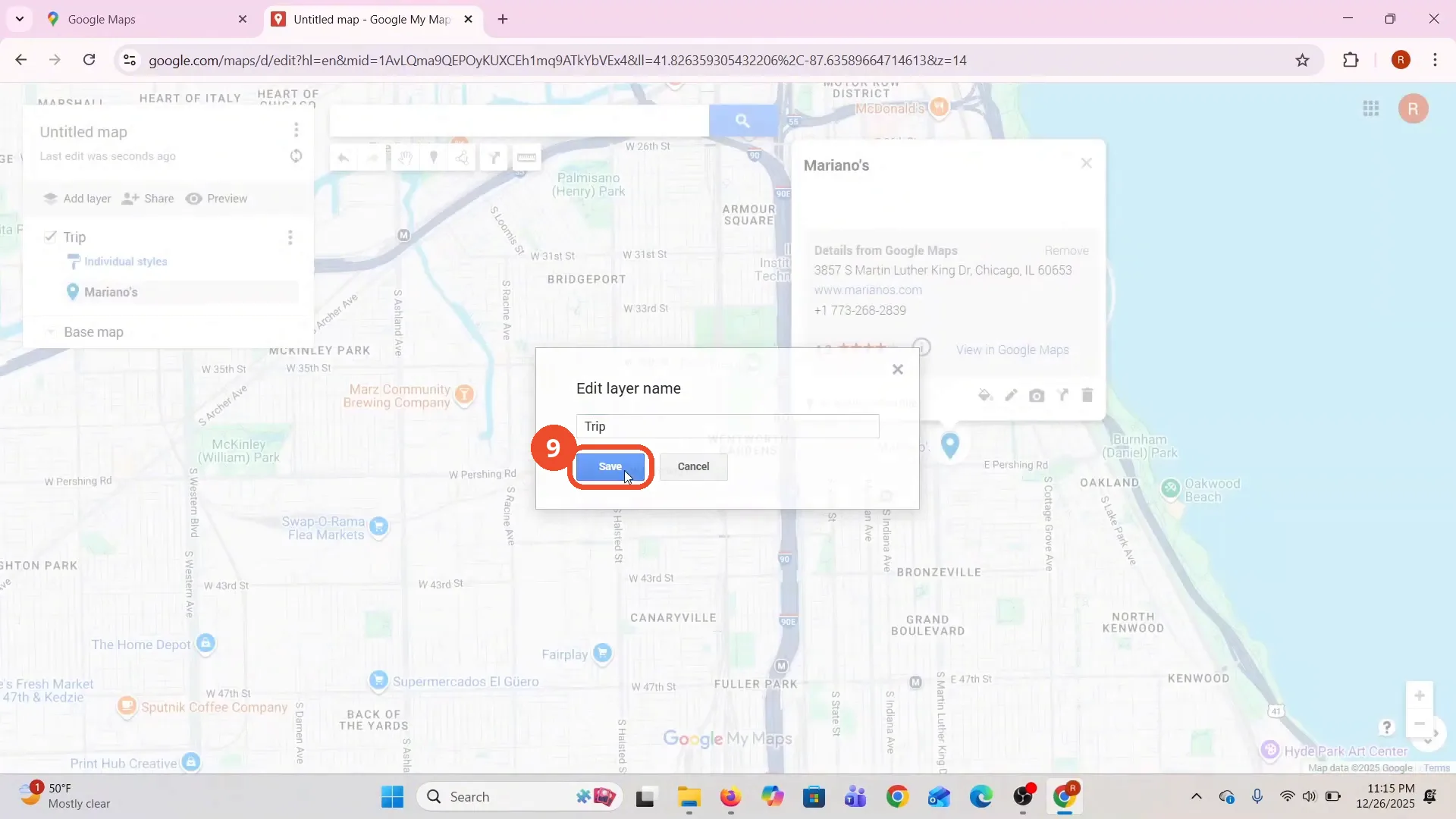
Name the layer Trip and save
Click the Untitled layer name and type a name for the layer - the film types Trip - then click Save.
Pin more places and check the map
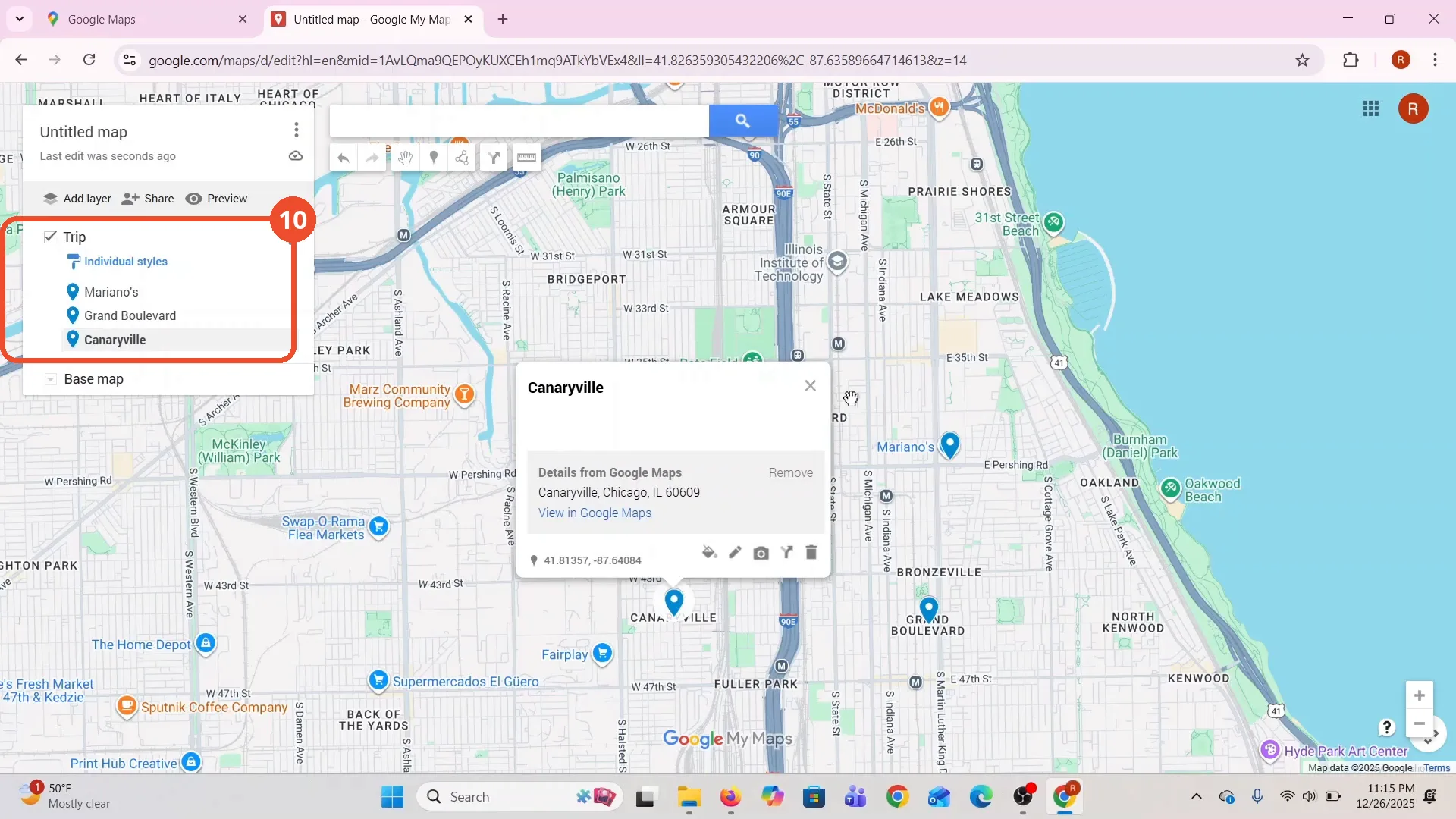
Repeat the same steps for each next place: the film pins Grand Boulevard, then Canaryville. The Trip layer lists all three places, with a pin for each on the map.
Good to know
- The pins are saved in My Maps, not in Google Maps directions. The map is a separate ‘Untitled map’ that saves to your Google Drive.
- The narration names only Mariano’s and Grand Boulevard, but the film pins a third place, Canaryville, the same way. All three appear in the Trip layer.
- The film’s map list is empty before it starts - ‘No maps owned by you’ - so the new map is the only one. If you already have maps, they are listed on the My Maps home page.
- Mariano’s, Grand Boulevard and Canaryville are the film’s own picks in Chicago. Pick your own places the same way.
- The popup warns that creating a My Maps map uploads its title, thumbnail and metadata to Drive. Click Create to continue.
More on Google Maps
- How to Fix Blank Google Maps in Firefox
- How to Track Family Members on Google Maps
- How to Get Compass on Google Maps
- How to Change Routes in Google Maps
- How to Change the Year in Google Maps and View Past Locations
- How to Create a Walking Route on Google Maps
- How to Change Google Maps from Walking to Driving
- How to Remove Labels from Google Maps