How to Change the Year in Google Maps and View Past Locations
Street View keeps older photos of the same place. This tutorial follows the film exactly: open Street View at the Montclair Art Museum, open the date box, and pick an earlier year from the filmstrip to see the museum as it looked then.
- SystemWindows (browser)
- AppGoogle Maps web app
- Last verifiedNovember 17, 2026
Every screenshot below is taken from the actual recording on this device — no stock images.
Steps
Open Google Maps
Open Google Maps in a desktop browser. The film opens the satellite view over the Montclair Art Museum in New Jersey.
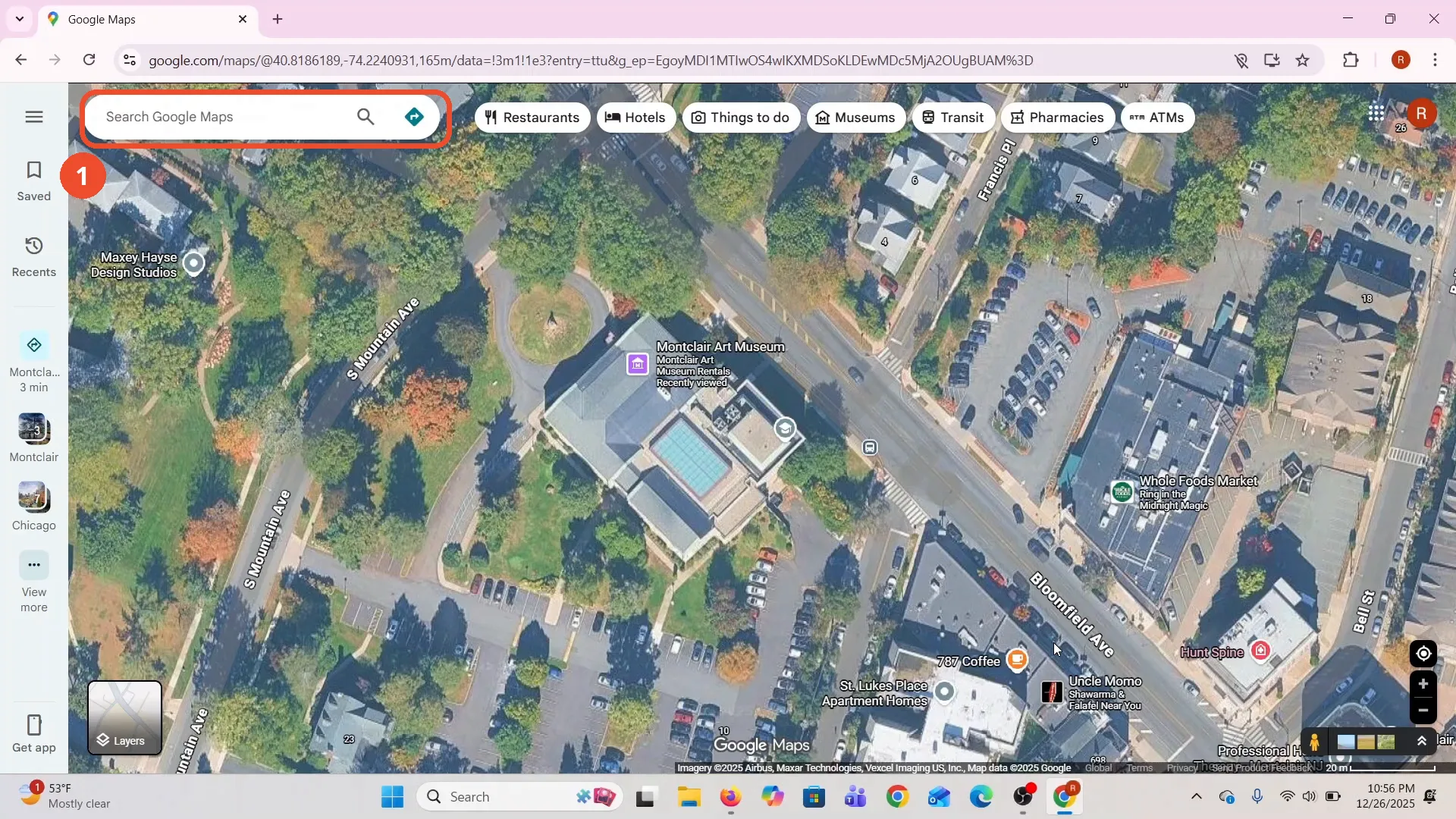
Find the Montclair Art Museum
The film works on the Montclair Art Museum in New Jersey. The map is already centred on it, and a card names the museum when you move over it.
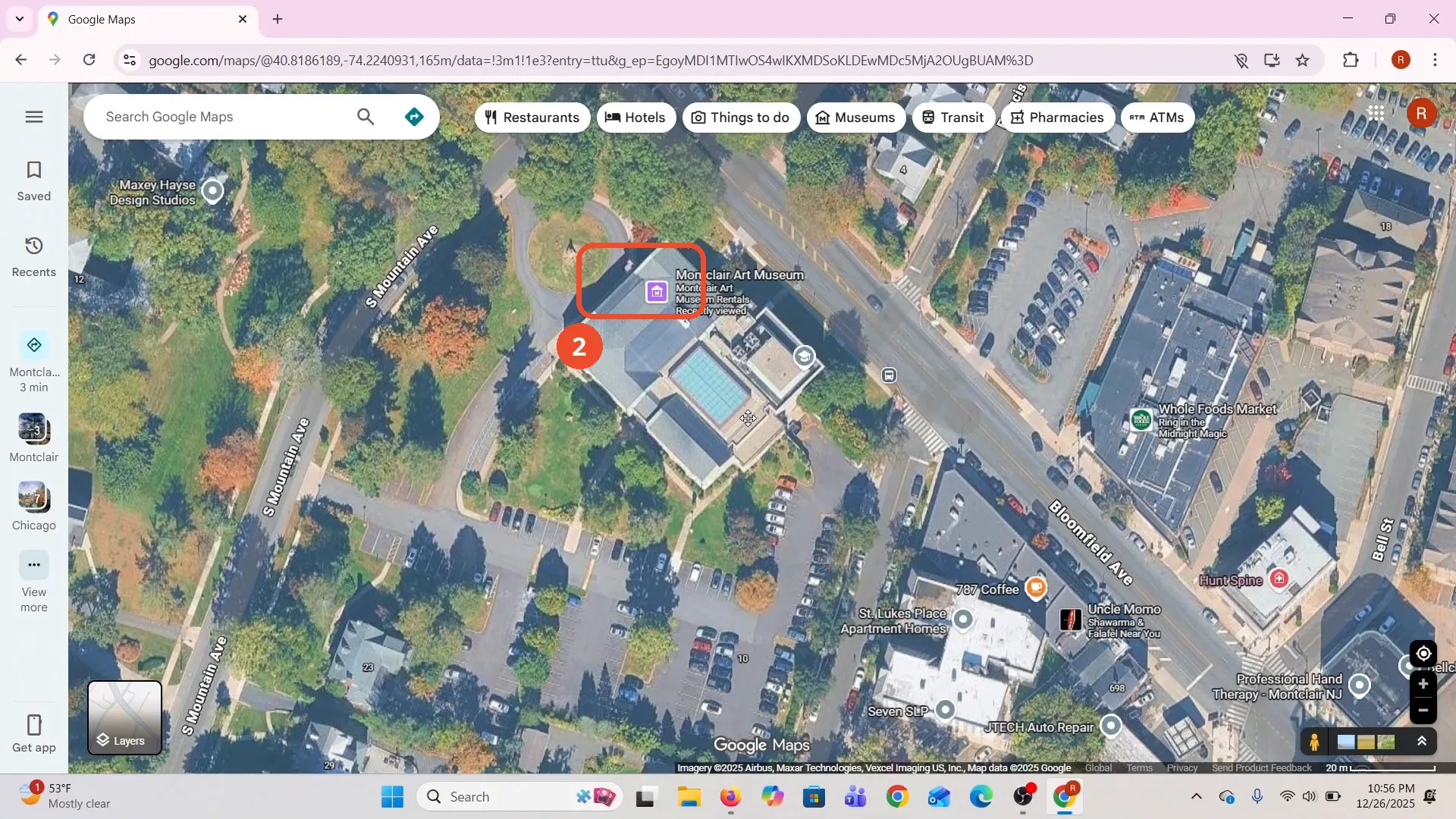
Drag Pegman into Street View
Drag the yellow Pegman from the bottom-right corner onto a street. Blue lines mark the streets with Street View coverage.
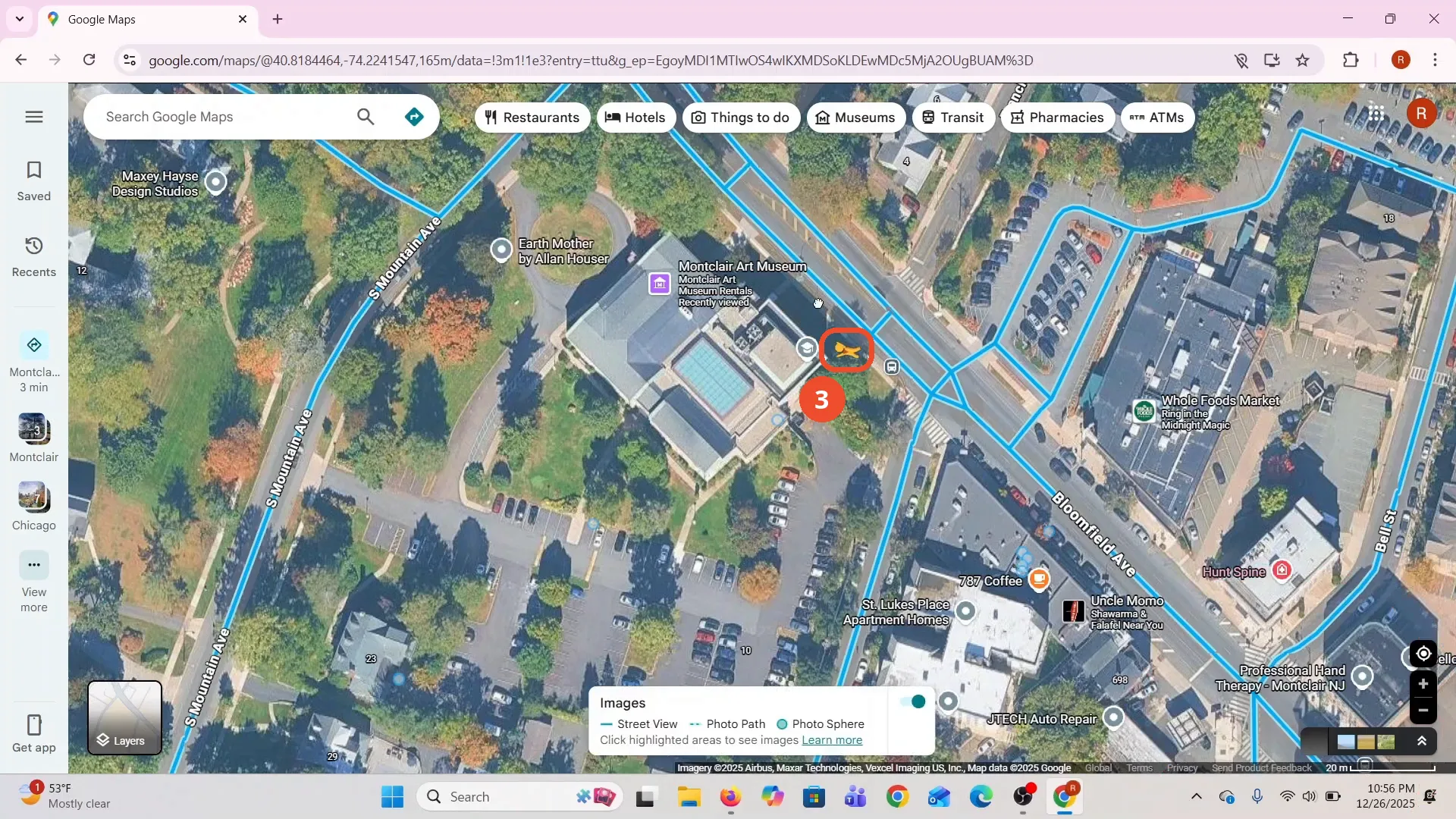
Check the Street View date
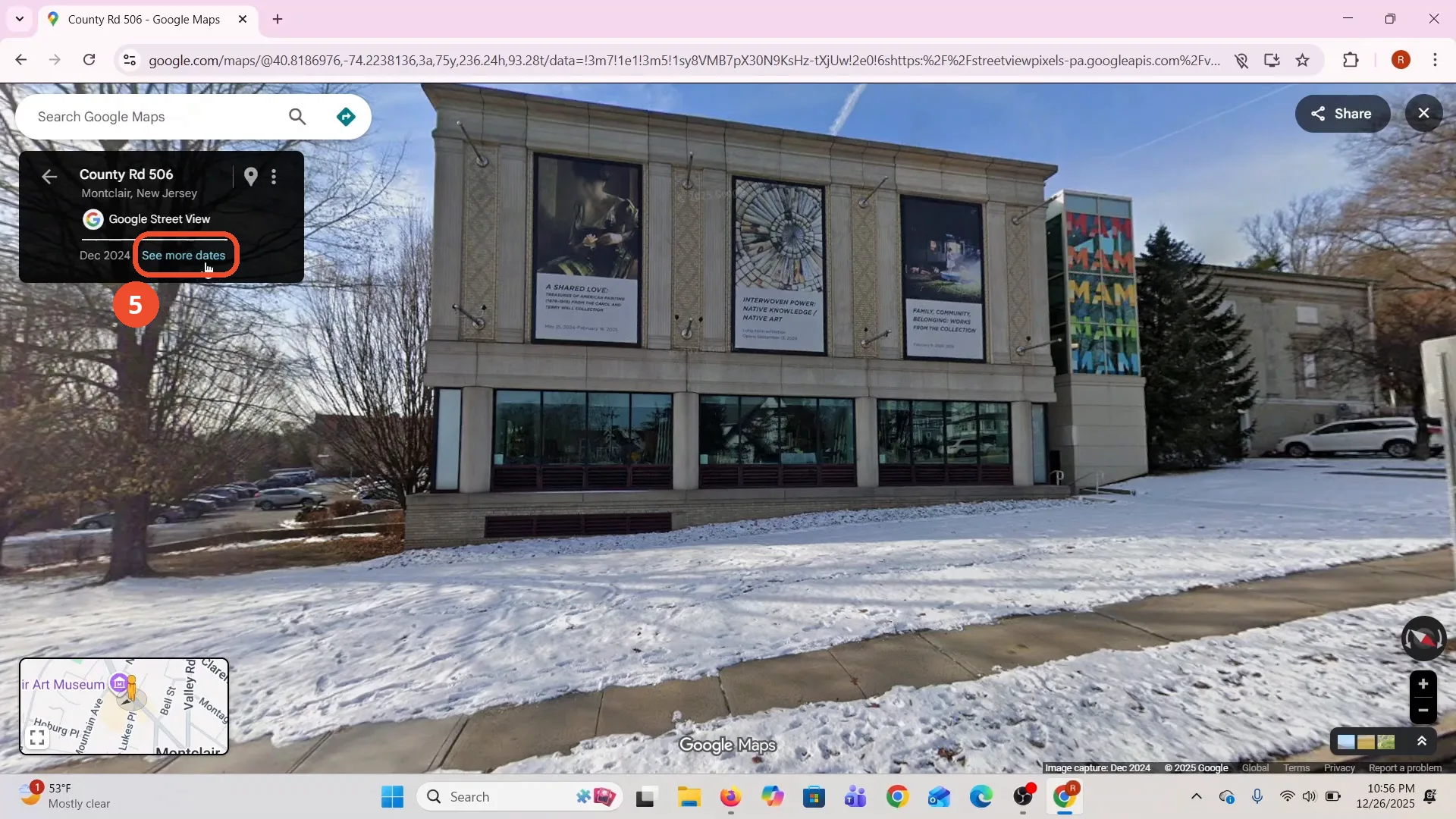
Street View opens on the museum in winter. The box at the top left reads “County Rd 506, Montclair, New Jersey” with the capture date “Dec 2024” and a “See more dates” link.
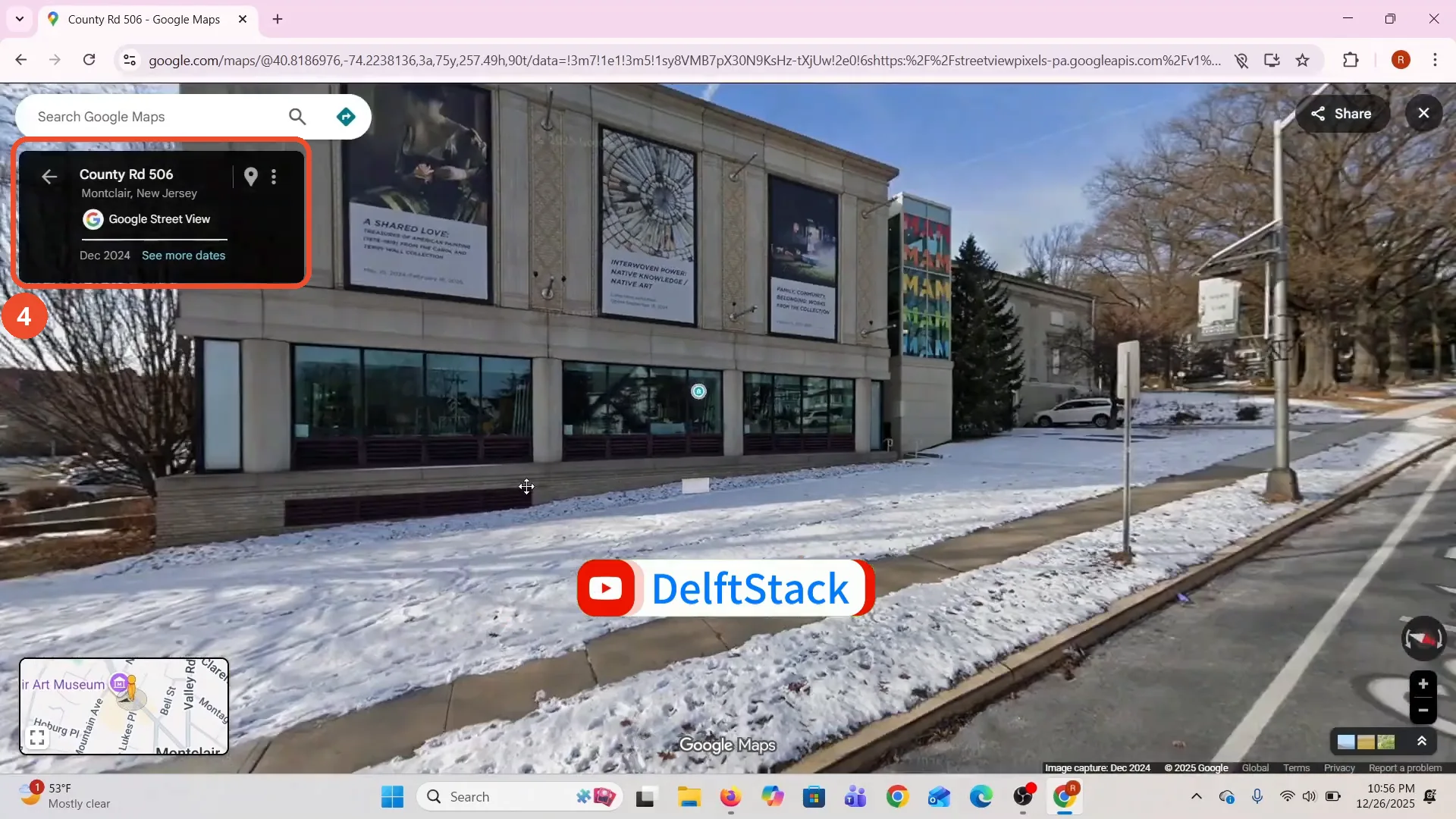
Click See more dates
Click “See more dates” in the date box to open the earlier captures.
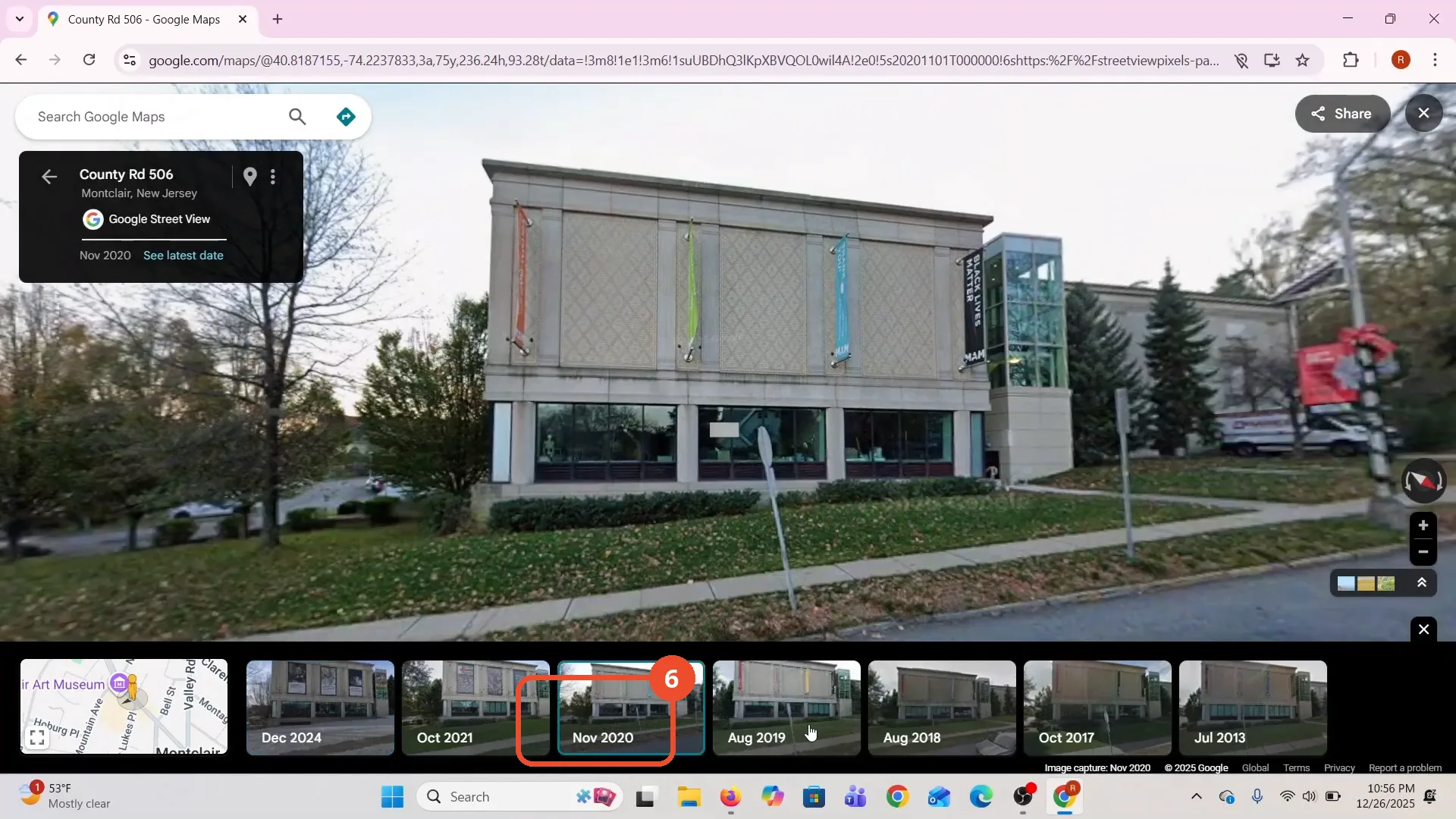
Pick an earlier year
A filmstrip opens along the bottom with the available years. The film picks Nov 2020, and the museum appears in autumn with no snow.
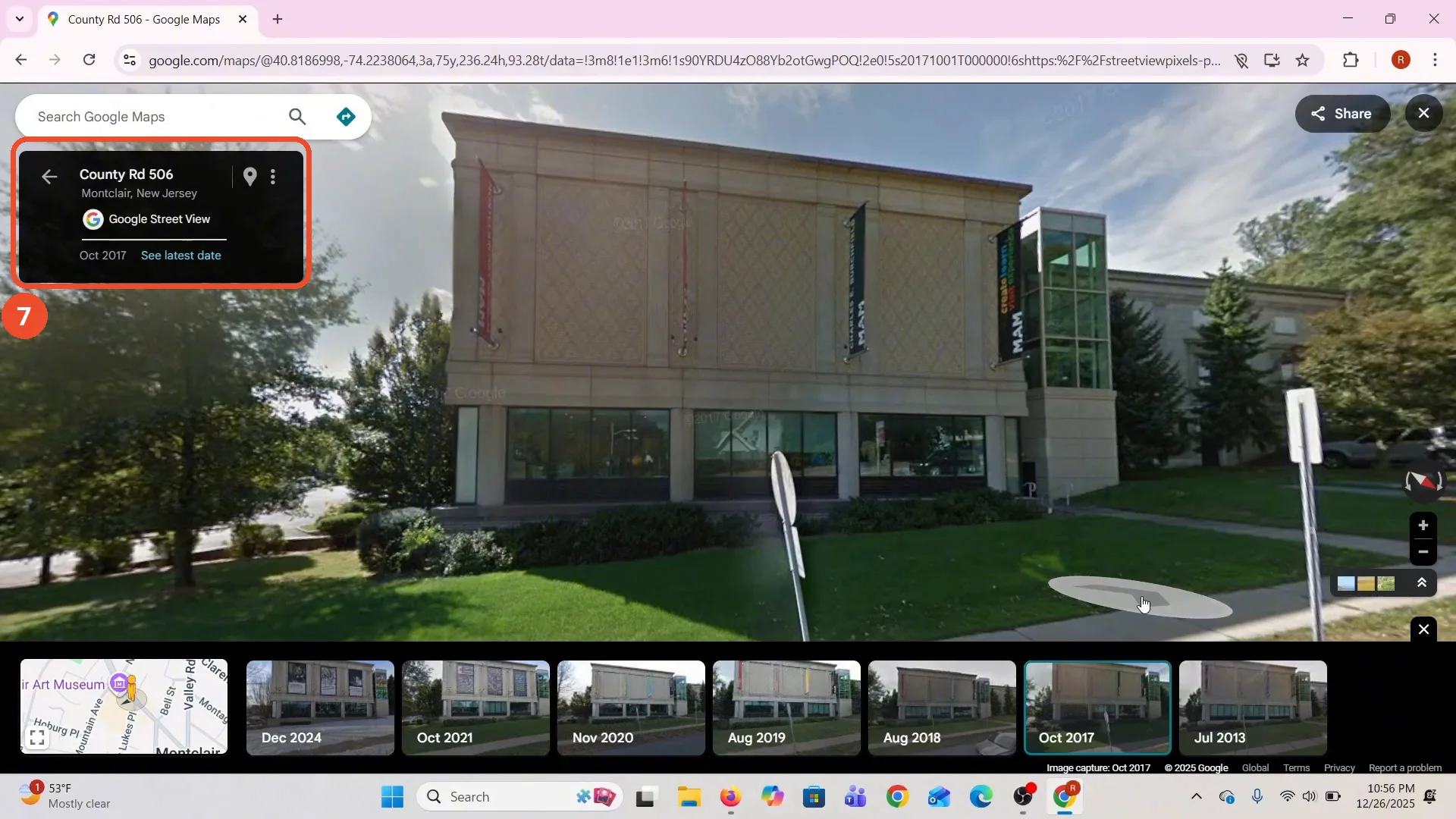
Check the past view
The film also picks Oct 2017. The date box reads “Oct 2017”, the capture line reads “Image capture: Oct 2017”, and the museum appears in summer with green grass and red banners.
Good to know
- The filmstrip offers Dec 2024, Oct 2021, Nov 2020, Aug 2019, Aug 2018, Oct 2017 and Jul 2013 for this spot. Other places offer different years, or none at all.
- The film picks two past years on camera: Nov 2020 first, then Oct 2017. Both views stay in Street View at the same spot.
- The narration names 2020, 2019 and 2017 as examples. The filmstrip also lists Oct 2021, Aug 2018 and Jul 2013.
- The film never clicks the museum’s place card. The map is already centred on it when the film starts; the card appears when you move over the museum.
- Past years only appear where Google has older captures for that spot.