How to Delete Contacts From Gmail
Deleting a Gmail contact happens in Google Contacts: open the contact, click the trash icon, and confirm. The contact then sits in Trash for 30 days, and you can recover it from there. The film deletes one demo contact, recovers it, and shows how to select several at once — the multi-delete itself is never finished on camera.
- SystemWindows (browser)
- AppGoogle Contacts web app
- Last verifiedNovember 19, 2026
Every screenshot below is taken from the actual recording on this device — no stock images.
Steps
Open Google Contacts
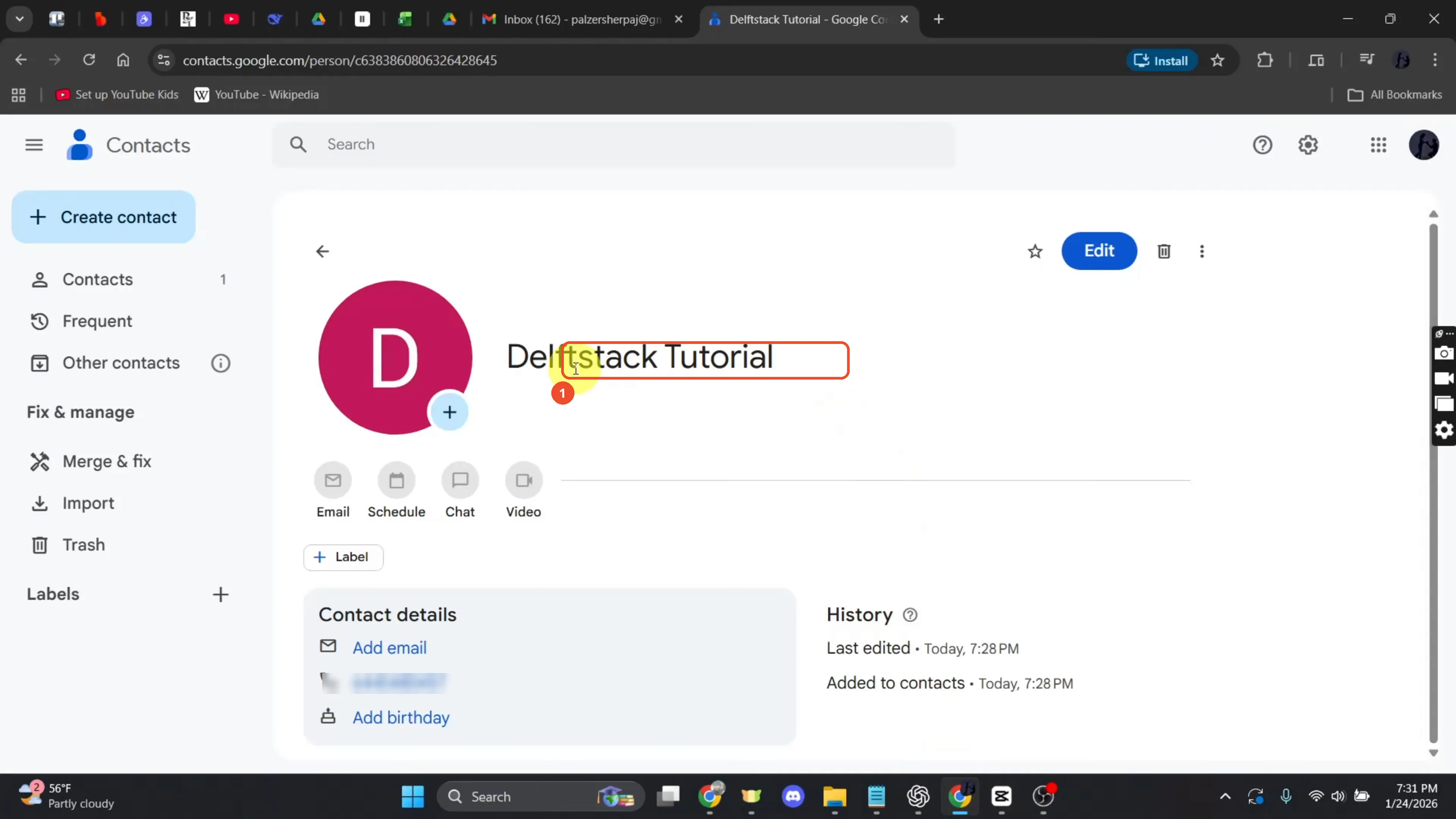
Gmail contacts live in Google Contacts. The film opens contacts.google.com already signed in, with the demo contact Delftstack Tutorial open.
Find the contact in the list
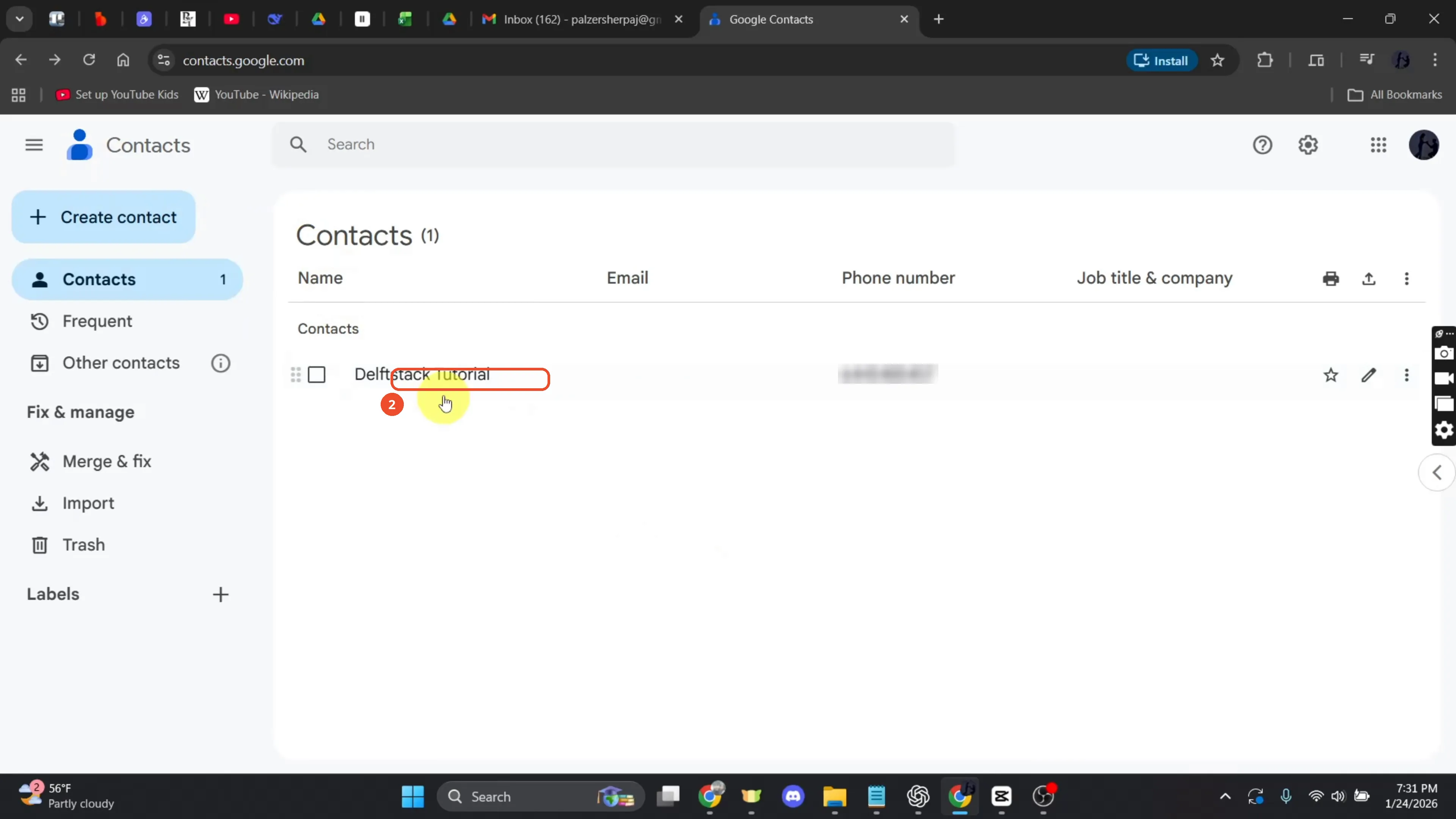
Open Contacts in the left sidebar to see the list. The film has a single contact, Delftstack Tutorial.
Click the trash icon beside Edit
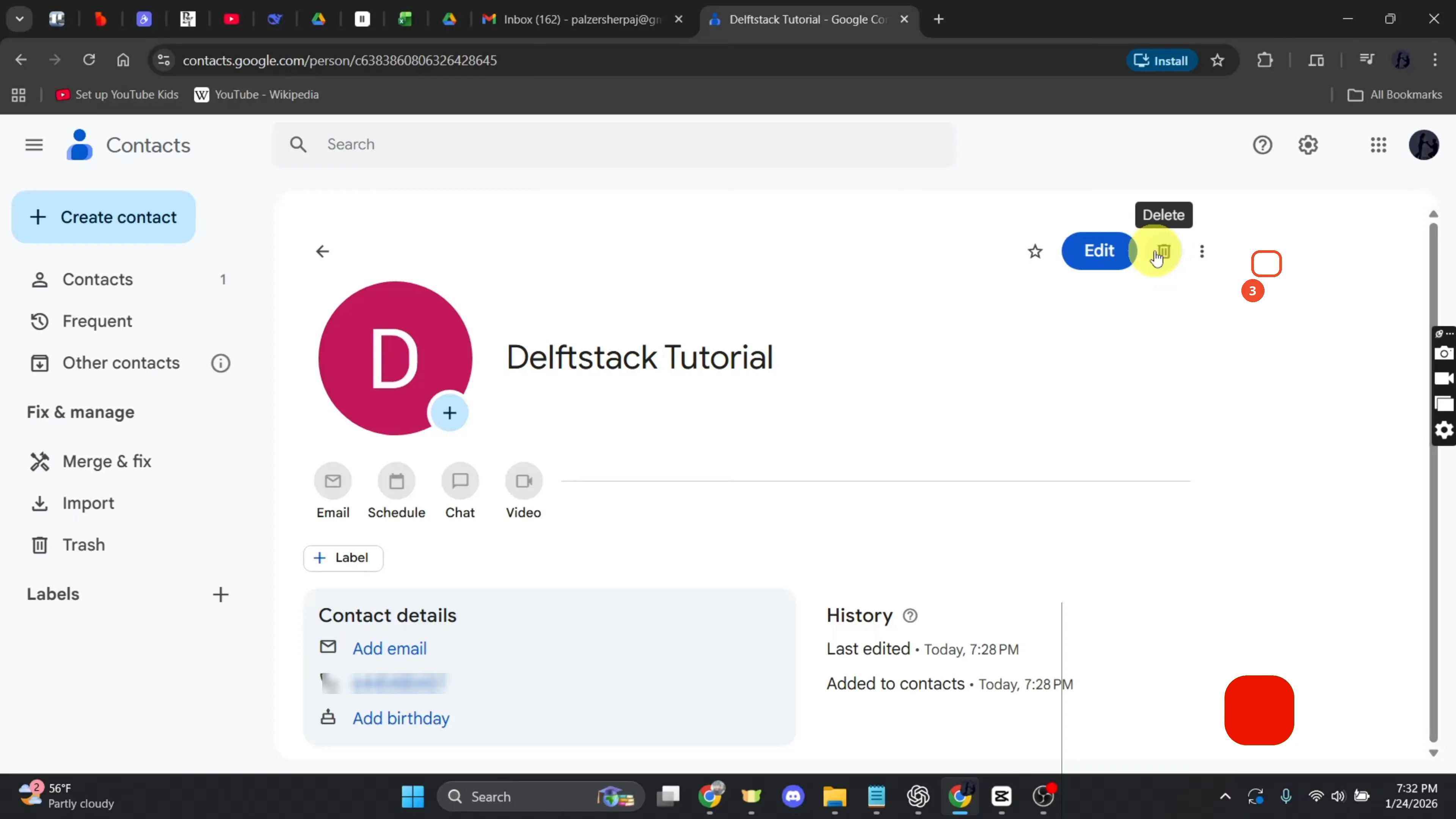
Open the contact, then click the trash-can icon beside Edit. The film’s narration calls it a Delete option; on screen it is a trash icon with a Delete tooltip.
Confirm with Move to trash
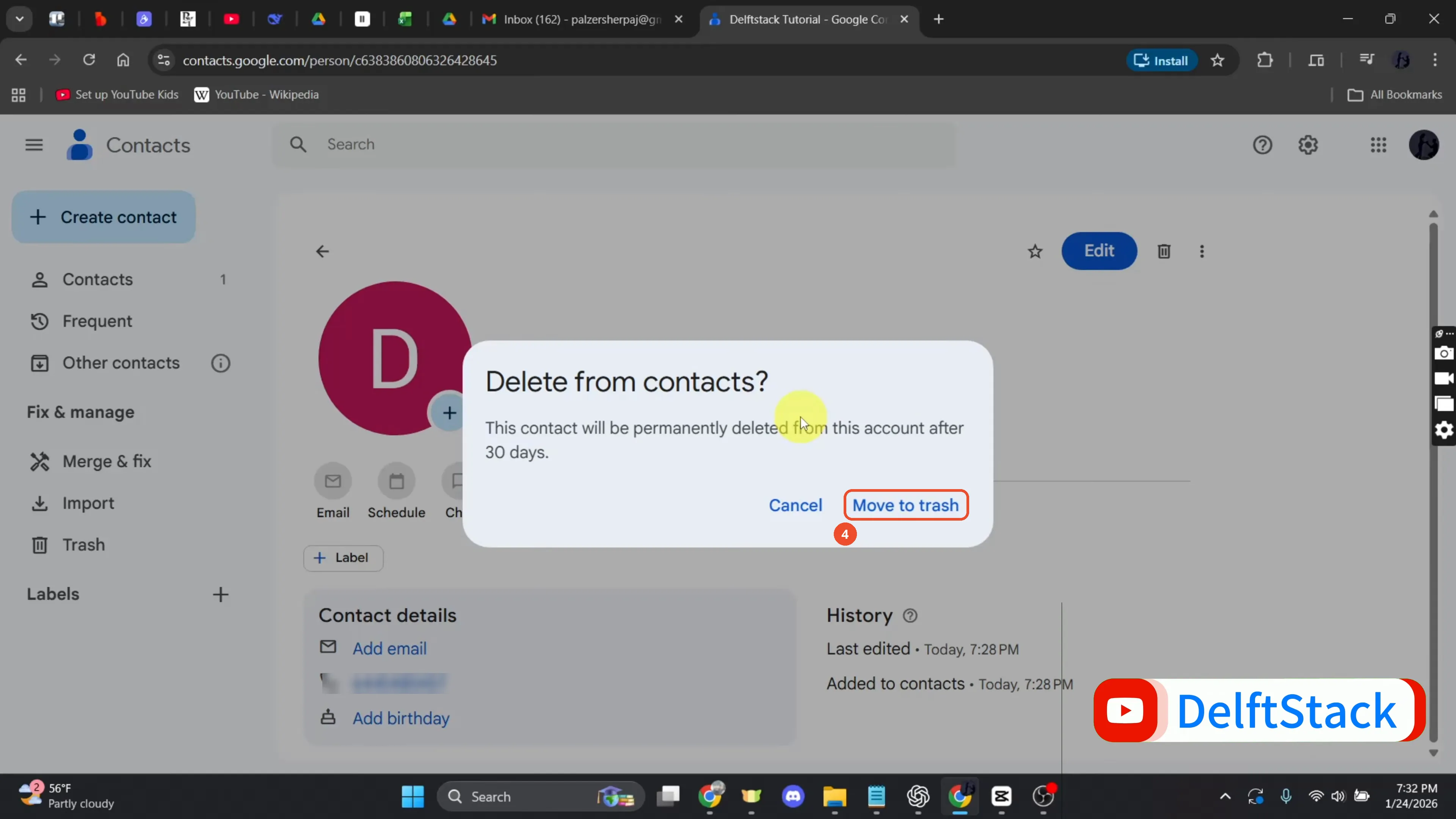
Click Move to trash in the confirmation dialog. The contact is not gone yet — it stays in Trash for 30 days.
Check the contact is gone
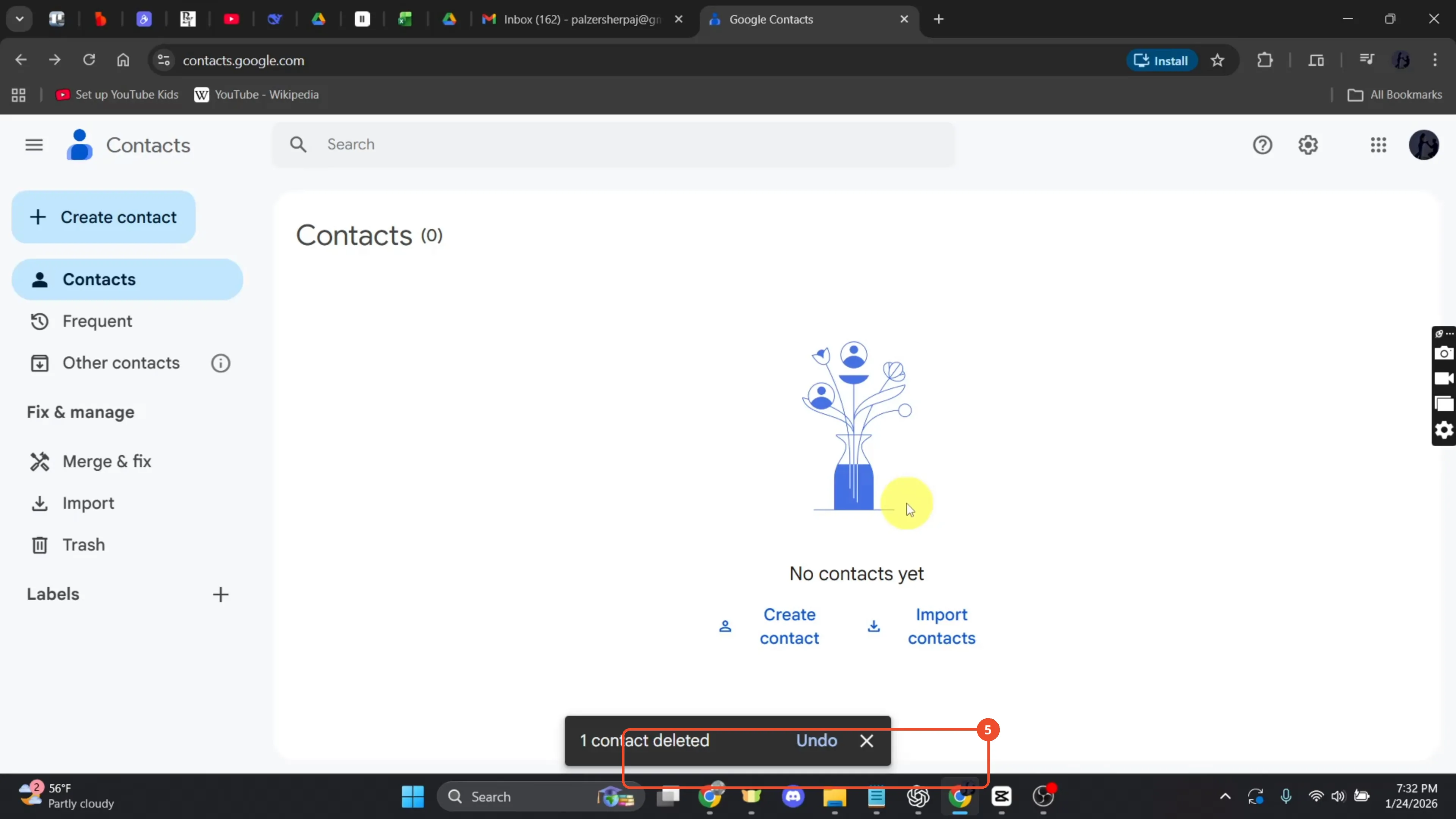
The list shows Contacts (0) and “No contacts yet”, with a “1 contact deleted” message at the bottom.
Open Trash to recover it
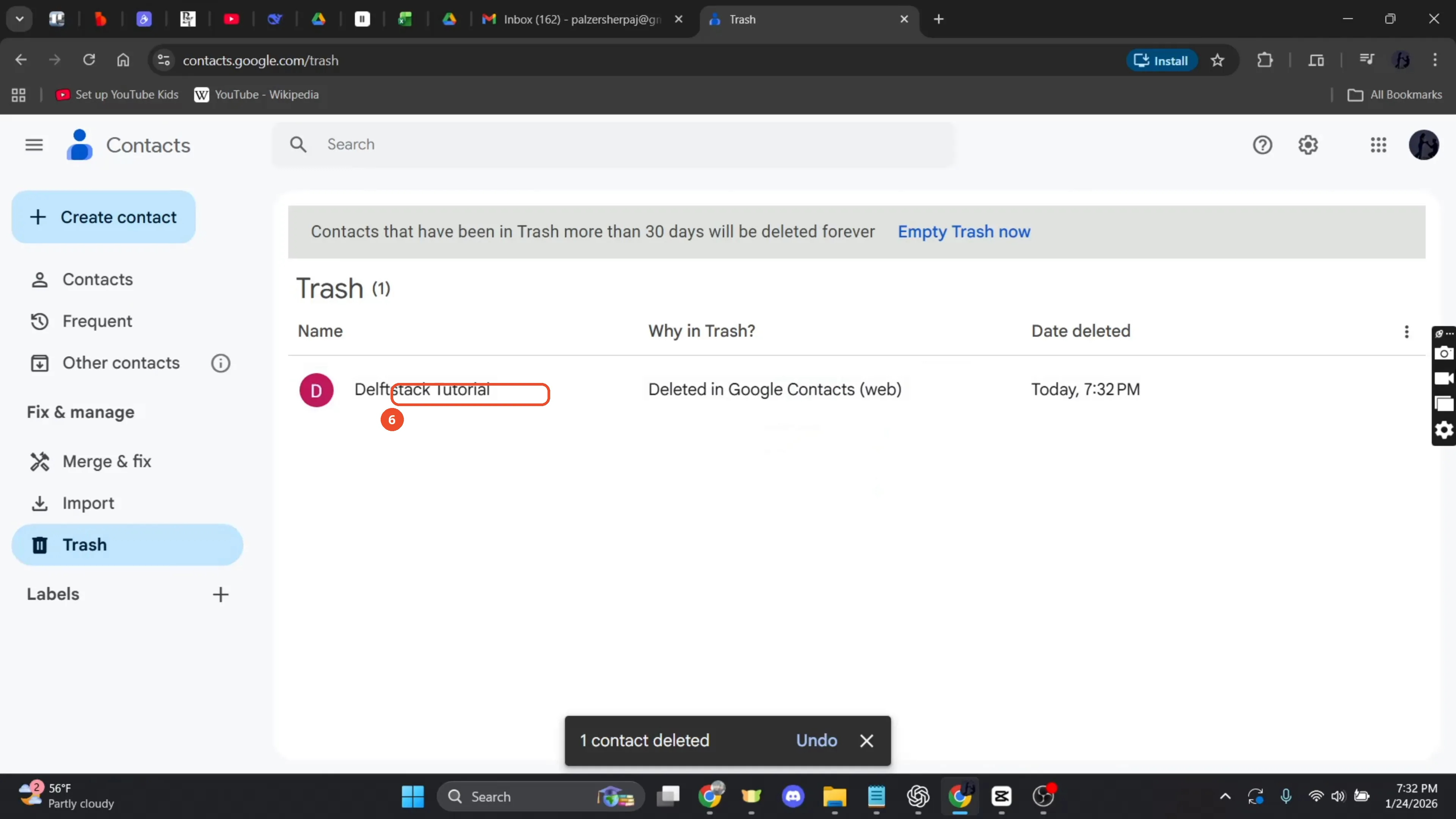
To undo a deletion, open Trash in the left sidebar. The deleted contact is listed with the date it was deleted.
Click Recover
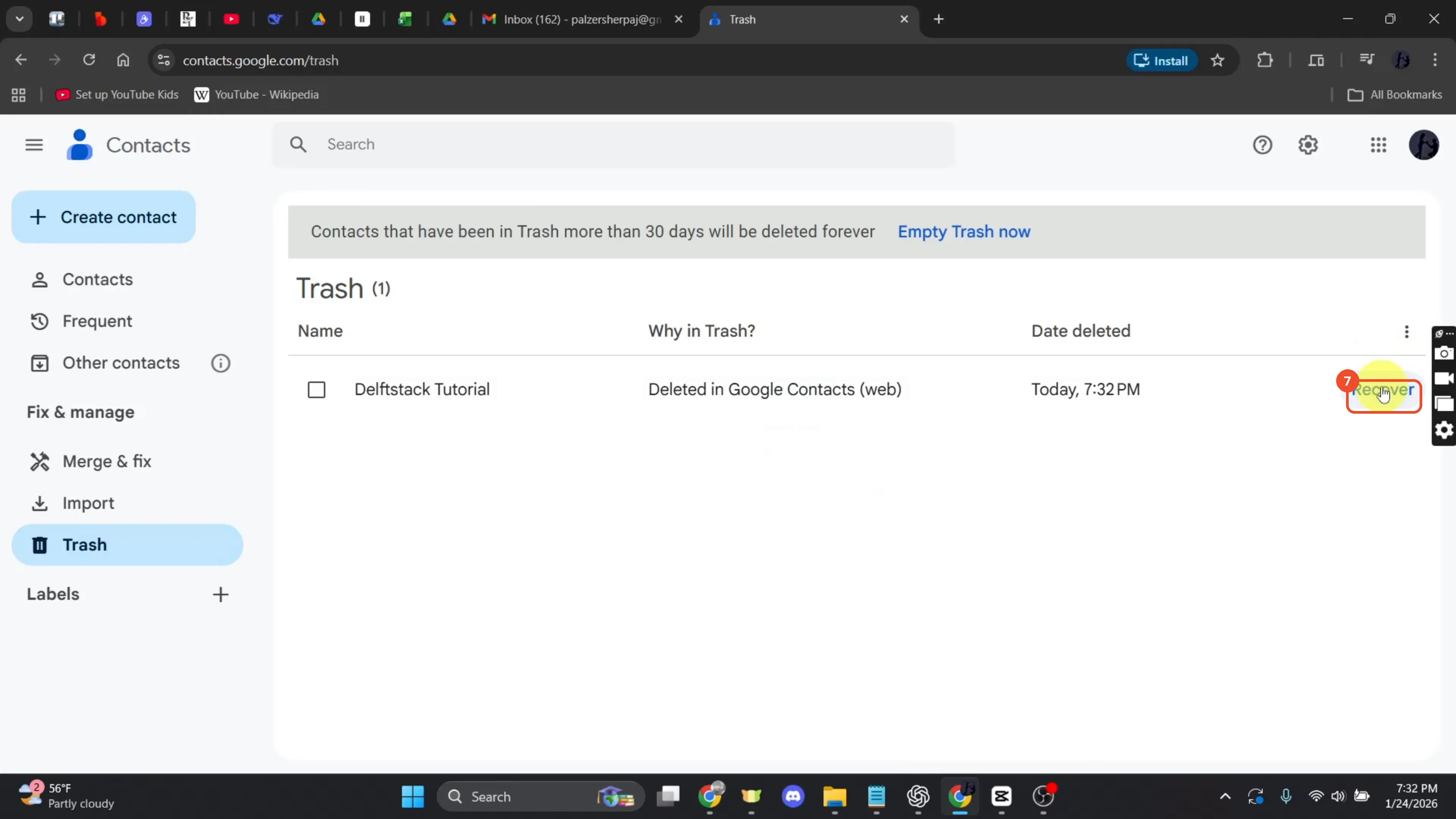
Hover the trashed row and click Recover at the right. The contact returns to the list — the film shows a “1 contact recovered” message a second later.
Select several contacts at once
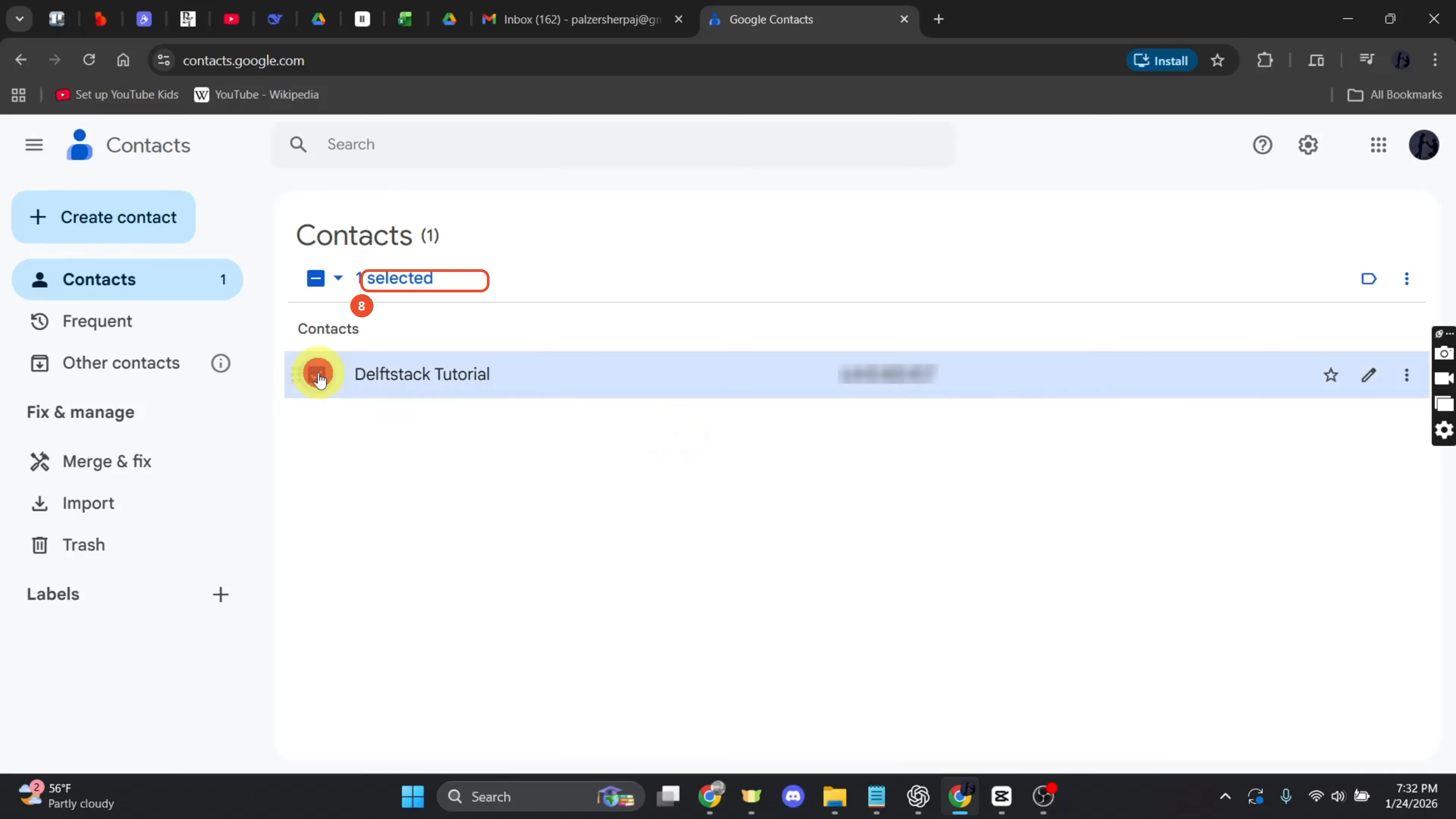
To delete several contacts, tick the checkbox on each row. The film ticks the one contact — “1 selected” appears at the top — and stops there; the Delete button at the top is never clicked.
Good to know
- The sign-in and the “search Google Contacts” opening in the narration are not shown — the film starts already signed in to Contacts.
- The multi-delete is narration only: the film ticks the checkbox (“1 selected”) but never clicks the Delete button at the top, so the contact stays selected at the end.
- A deleted contact stays in Trash for 30 days before it is removed permanently; Recover brings it back to the list.
- The demo contact’s phone number is blurred in the screenshots.
More on Gmail
- How to Create a Contact Group in Gmail
- How to Delete All Emails Before a Certain Date in Gmail
- How to Delete Folders in Gmail
- How to Delete All Unread Emails in Gmail
- How to Recover Deleted Emails in Gmail
- How to Automatically Forward Specific Emails in Gmail Using Filters
- How to Send Encrypted Emails in Gmail Using Confidential Mode
- How to Change the Archive Option to Delete in Gmail
- How to Automatically Move Emails to a Folder in Gmail
- How to Delete All Promotional Emails in Gmail at Once
- How to Forward an Entire Email Thread in Gmail
- How to Download Emails from Gmail in Bulk
- How to Delete Attachments in Gmail
- How to Change Font Color in Gmail