How to Skip a Line in Discord
Pressing Enter in Discord’s message box sends the message immediately, which makes multi-line messages look impossible. The trick is Shift+Enter: it inserts a line break and leaves the message unsent until you finally press Enter.
- SystemWindows
- AppDiscord
- Also works onDiscord desktop app (the same Shift+Enter shortcut).
- Last verifiedNovember 1, 2026
Every screenshot below is taken from the actual recording on this device — no stock images.
Steps
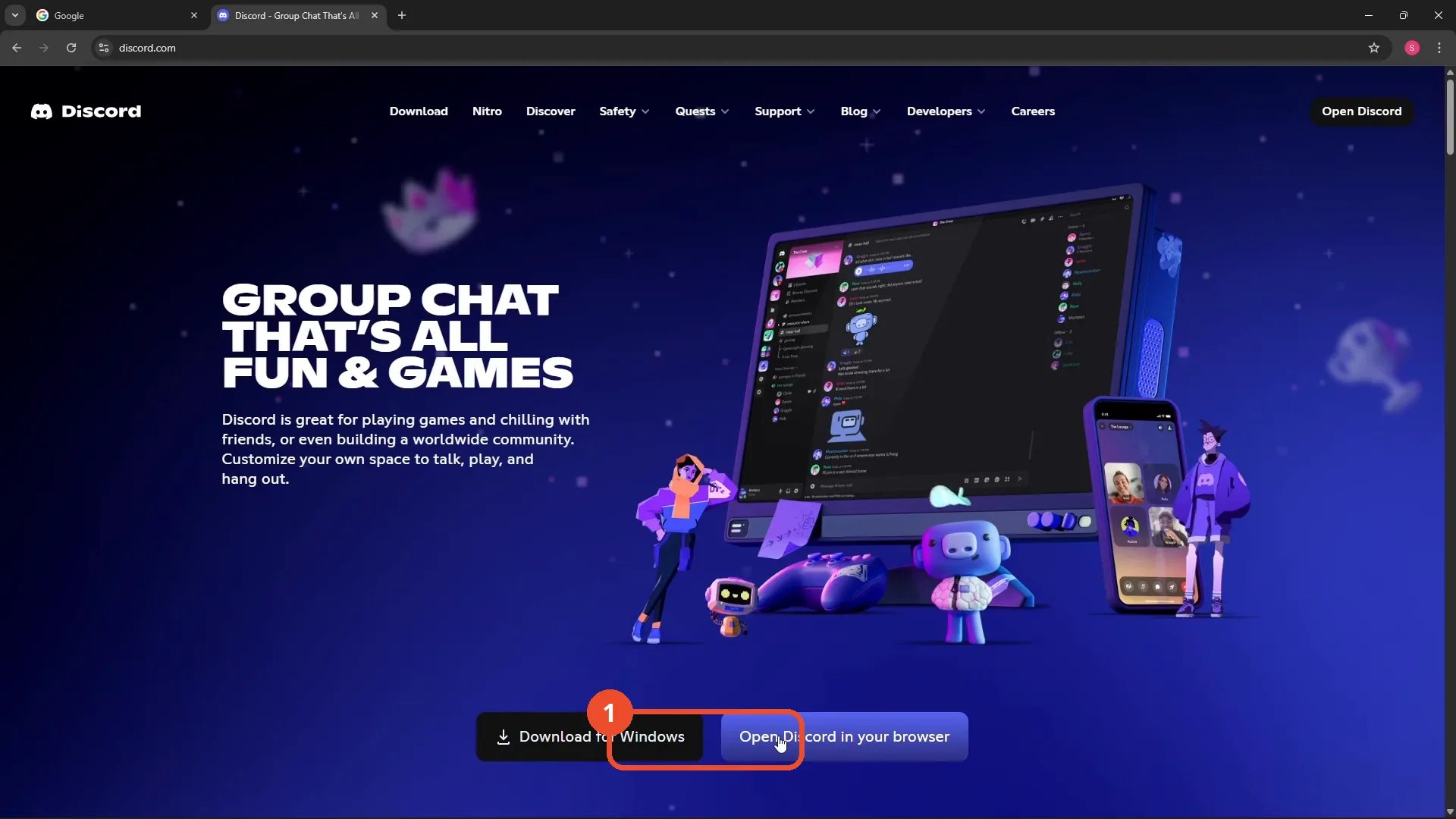
Open Discord in your browser
In your browser, go to discord.com and click Open Discord in your browser — or just open the Discord app you already have installed.
Open a conversation
Open the conversation where you want to write — here, the DelftStack group DM.
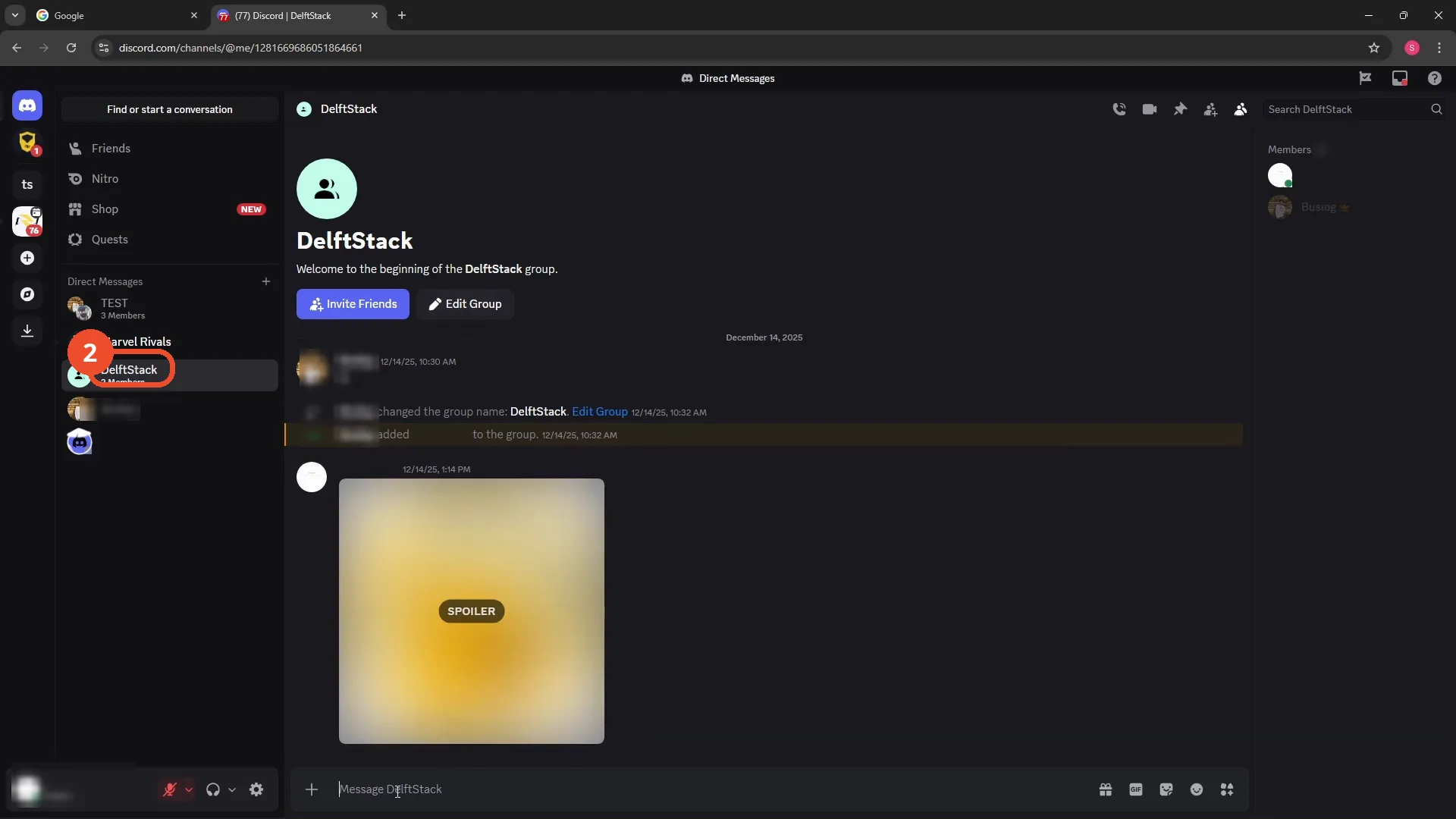
Type the first line
Click the message box and type the first line of your message.
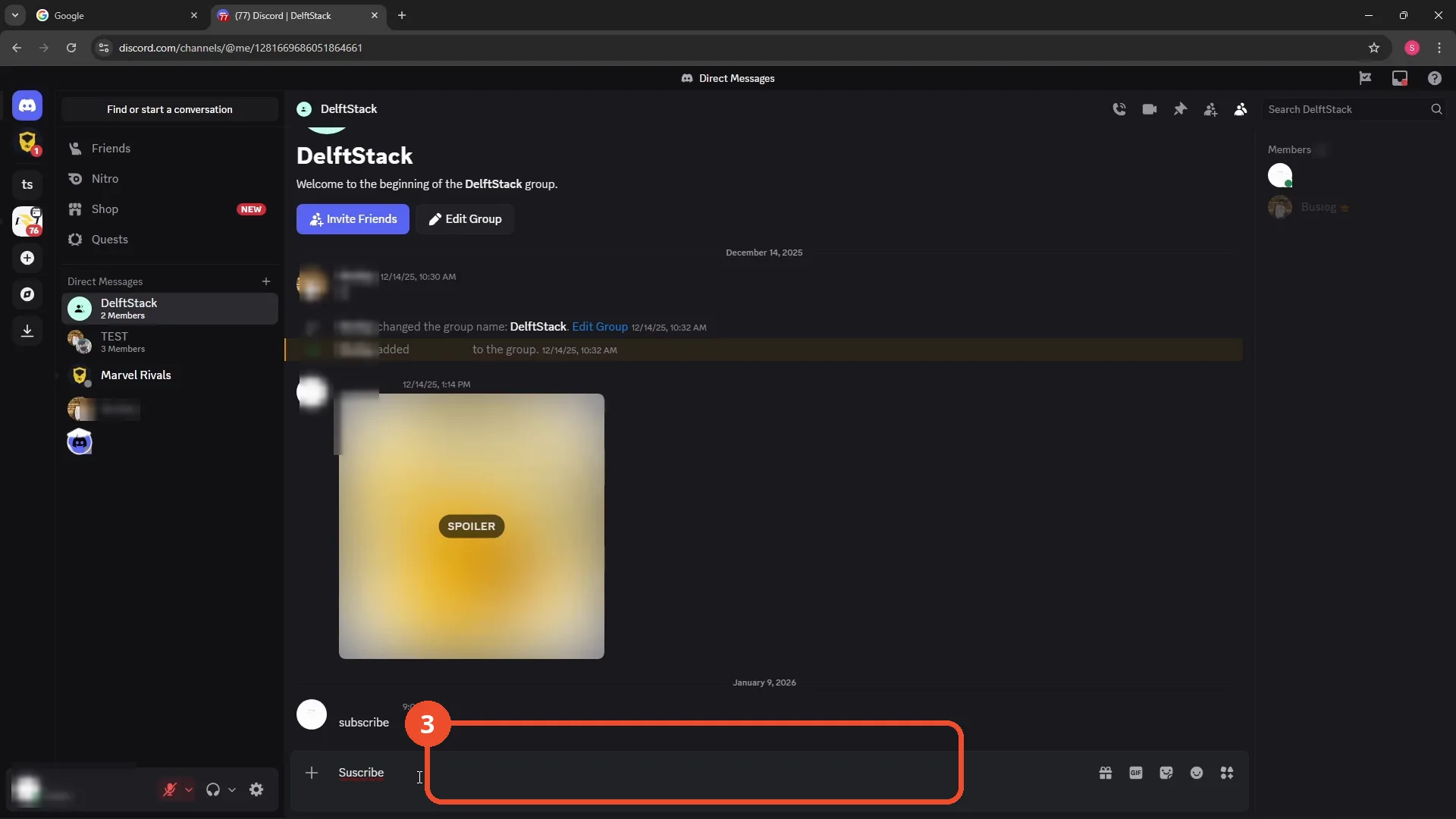
Press Shift+Enter for a new line
Instead of Enter, press Shift+Enter. The cursor drops to a new line and nothing is sent.
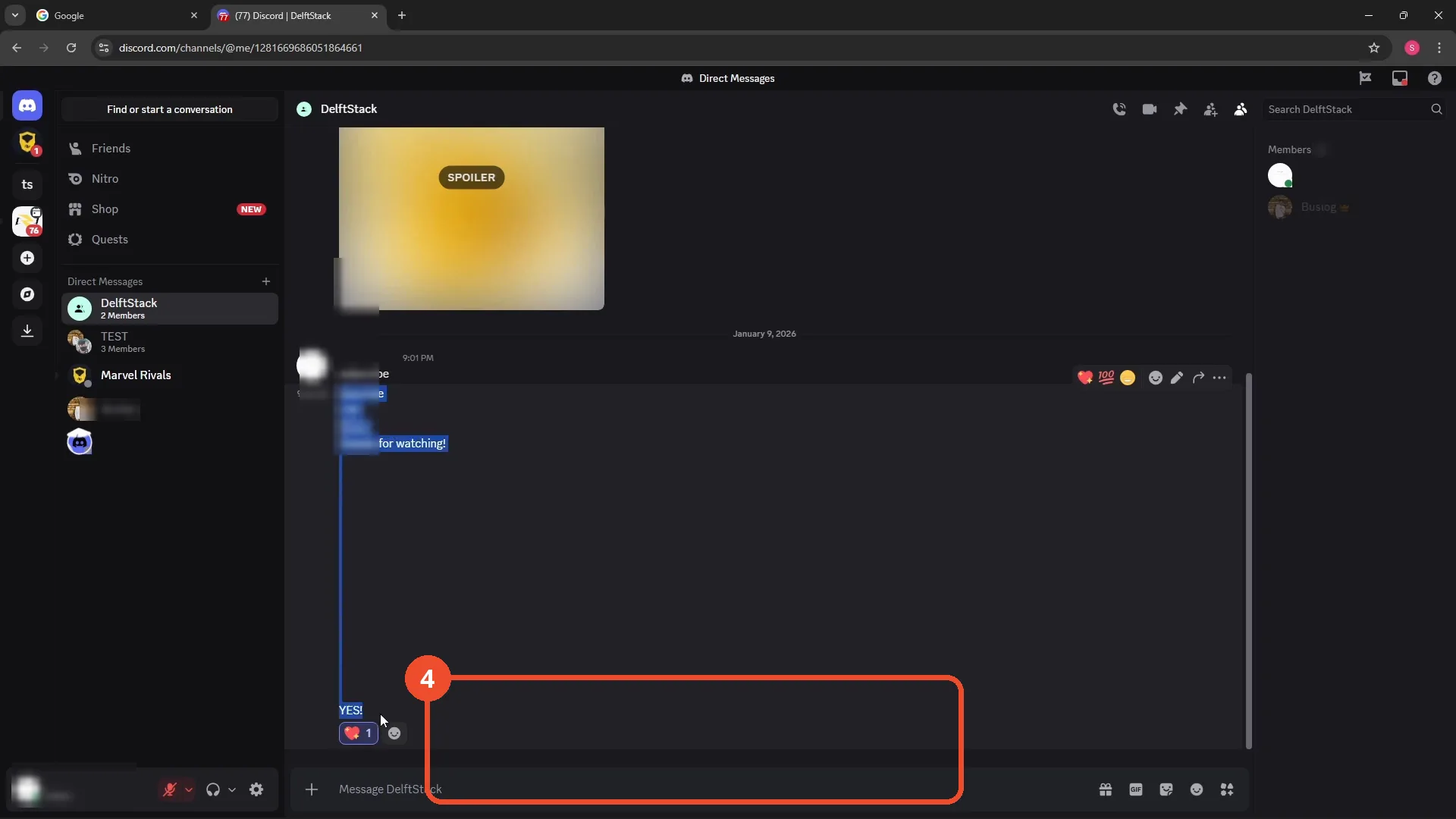
Press Enter to send the whole message
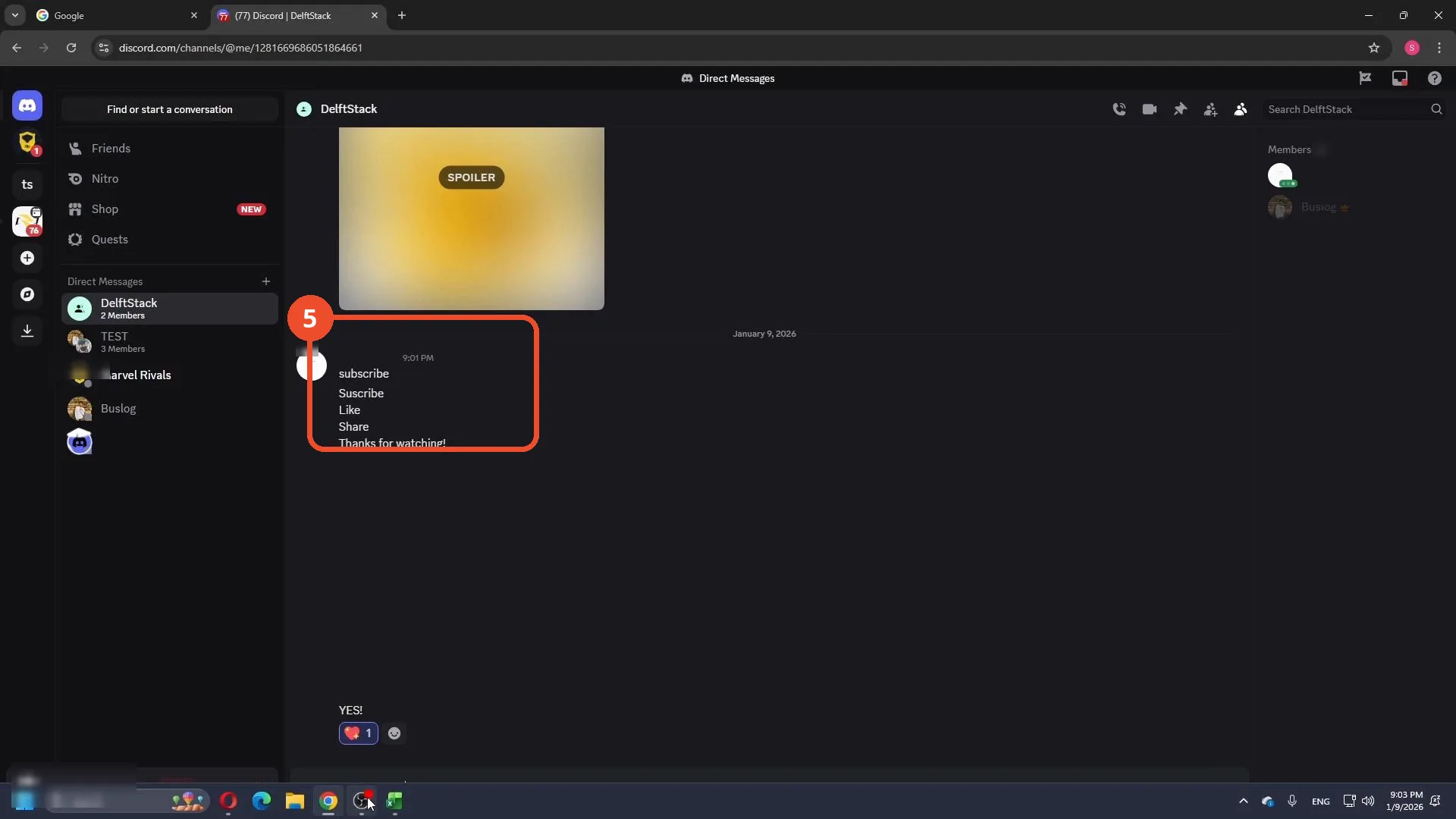
Type the remaining lines with Shift+Enter between them, then press Enter once to send. The whole text lands as a single multi-line message.
Good to know
- Enter on its own always sends the message, so use Shift+Enter for every line break except the last one.
- The shortcut works in channels, group DMs, and threads, in both the web app and the desktop app.
- You can stack as many Shift+Enter line breaks as you like before sending.
- The image marked SPOILER in the demo channel is blurred by Discord itself, not by us.
More on Discord
- How to Stop Spotify From Pausing on Discord
- How to See Who Owns a Discord Server
- How to Make Discord Open on a Second Monitor by Default
- How to Remove Someone from a Discord Group
- How to Self-Assign Roles in Discord Using ProBot
- How to Scan a QR Code with the Discord Mobile App
- How to Stream OBS to Discord with Sound
- How to Create a Discord Server Template Link
- How to Make Your Name Invisible on Discord
- How to Send a Discord Friend Request
- How to Turn Off DMs on Discord
- How to Enable Age-Restricted Commands on Discord Mobile
- How to Zoom In and Out on Discord
- How to Create a GIF and Share It in Discord
- How to Exit Full Screen on Discord
- How to Send Files Through Discord
- How to Add Someone to an Ongoing Discord Voice or Video Call